5
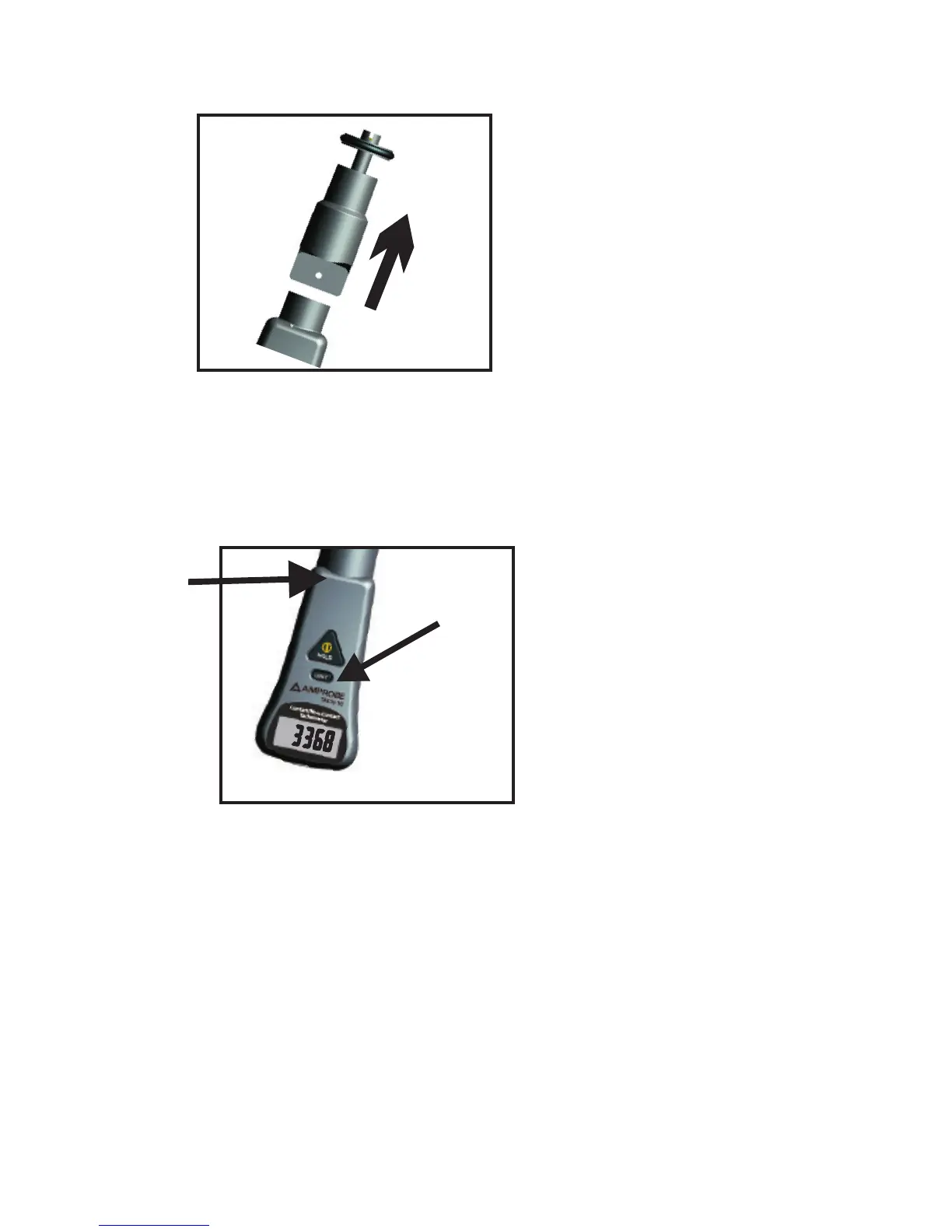
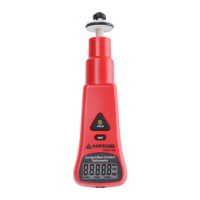
Remove the contact part.
Attach the reflective tape to the surface of
the rotating object.
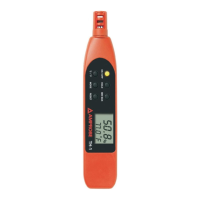
Push and hold the MODE SWITCH key to set
the meter to RPM.
(RPM only )
Hold the meter and point it toward the
rotating object targeting the reflective tape. Keep
the targeting distance within 5 to 30 cm (2 to 13
inch).
NB> Readings in M/Min, Ft/Min, Yd/Min are not
available in non-contact mode


 To Next Page