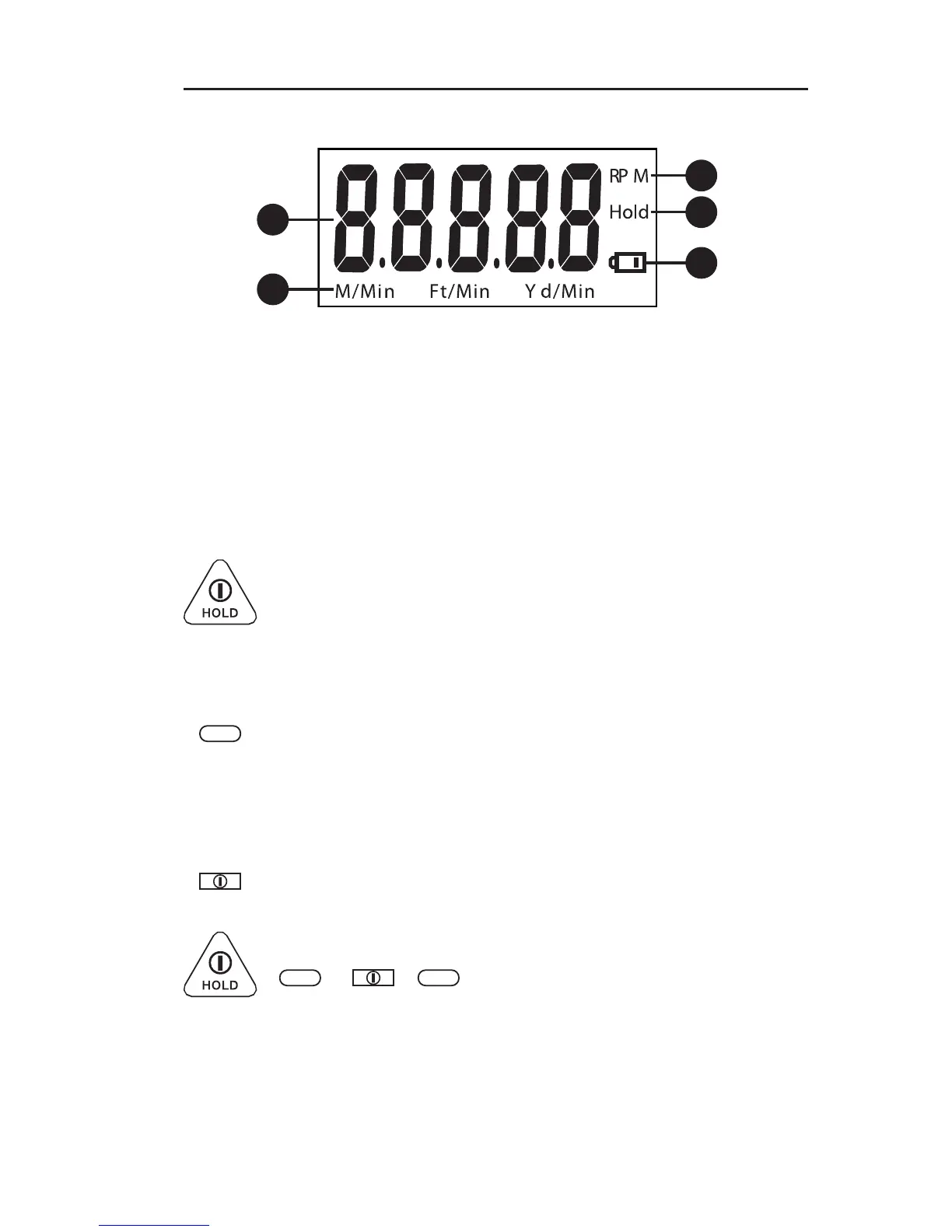
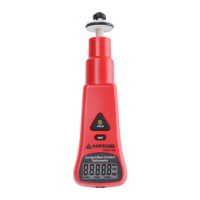
• To turn on the meter
• Push and hold for more than 3 seconds to turn off the
meter.
• In normal mode, push to freeze the readings.
• Activated only while in “Contact” rotation measure
mode.
• In normal contact measure mode, push to display
different unit in turns: RPM, M/Min, Ft/Min, Yd/Min.
• To turn on the meter
• Push more than 3 seconds to turn off the meter.
UNIT
UNIT
• To disable the sleep mode, hold down POWER and
UNIT keys simultaneously to turn on the meter. First,
release POWER key, and it shows " n " on the LCD .
Then release UNIT key and it enters measuring mode in
non-sleep status.
UNIT
1
3
2
4
5


 To Next Page