915 Walsh Avenue / Santa Clara, CA 95050 (877) 801-0370 amqsolutions.com
userGUIDE
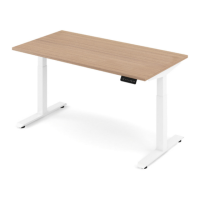
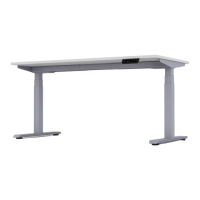
ACTIV-Pro sit-to-stand table
1 On the LED screen attached to the front of the table,
press the up or down arrow to set the worksurface
to the desired height.
2 Press the “M” button followed by one of the preset
number buttons (1, 2 or 3) on the LED screen.
3 The table is now programmed to automatically
reset to this height whenever the preset number
selected in Step 2 is pressed.
User Interface Guide


 To Next Page