Video Door Phone User Guide
12
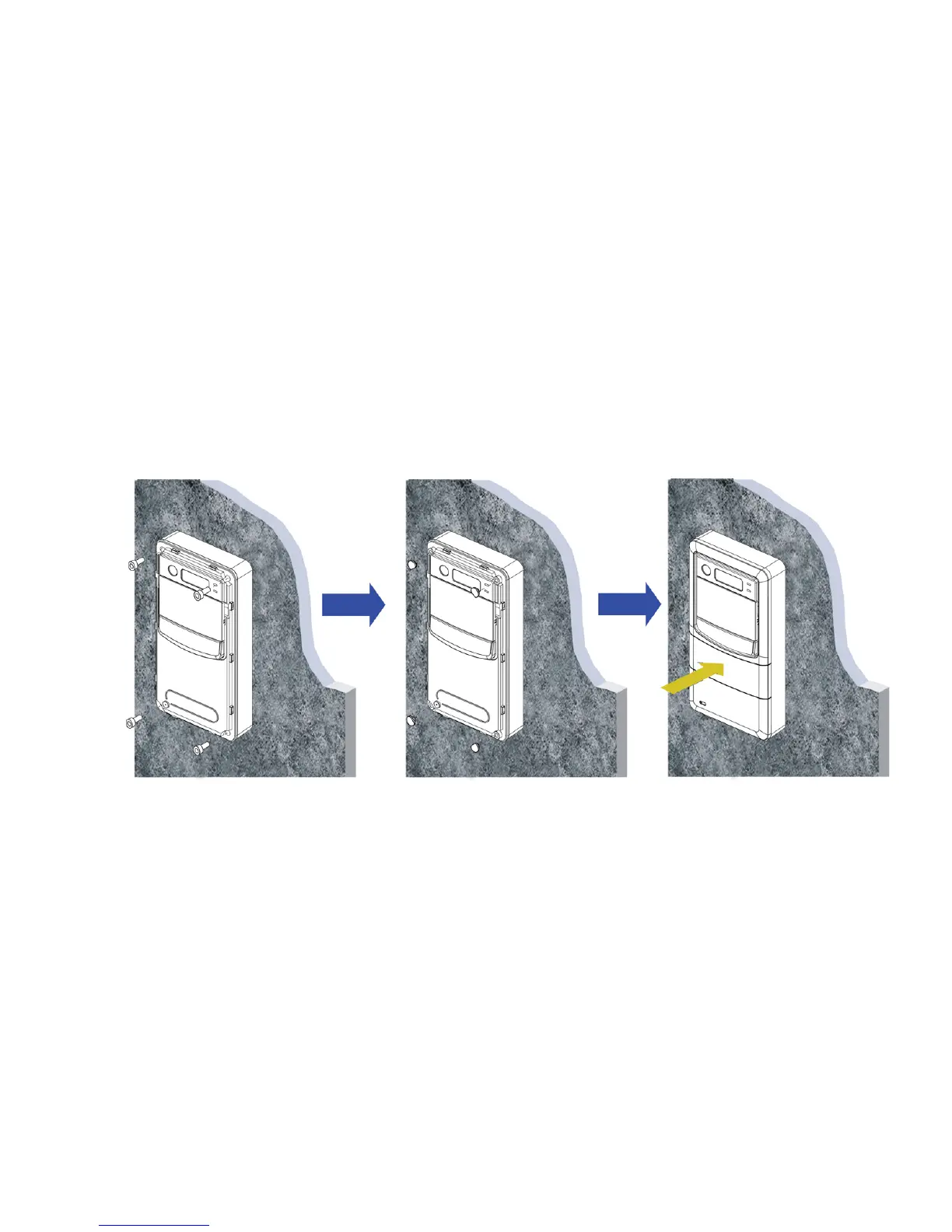
3. Screw the Video Door Phone with Back Plate.
After connecting the wires and cables properly, then screw the 4 screws and water stopper that come with the package into the front
panel. Please double check all the installation procedures again, then you may power on the general power switch to start the
configuration procedures.
Figure 11 : Screw the Video Door Phone with Back Plate



 To Next Page