Video Door Phone User Guide
17
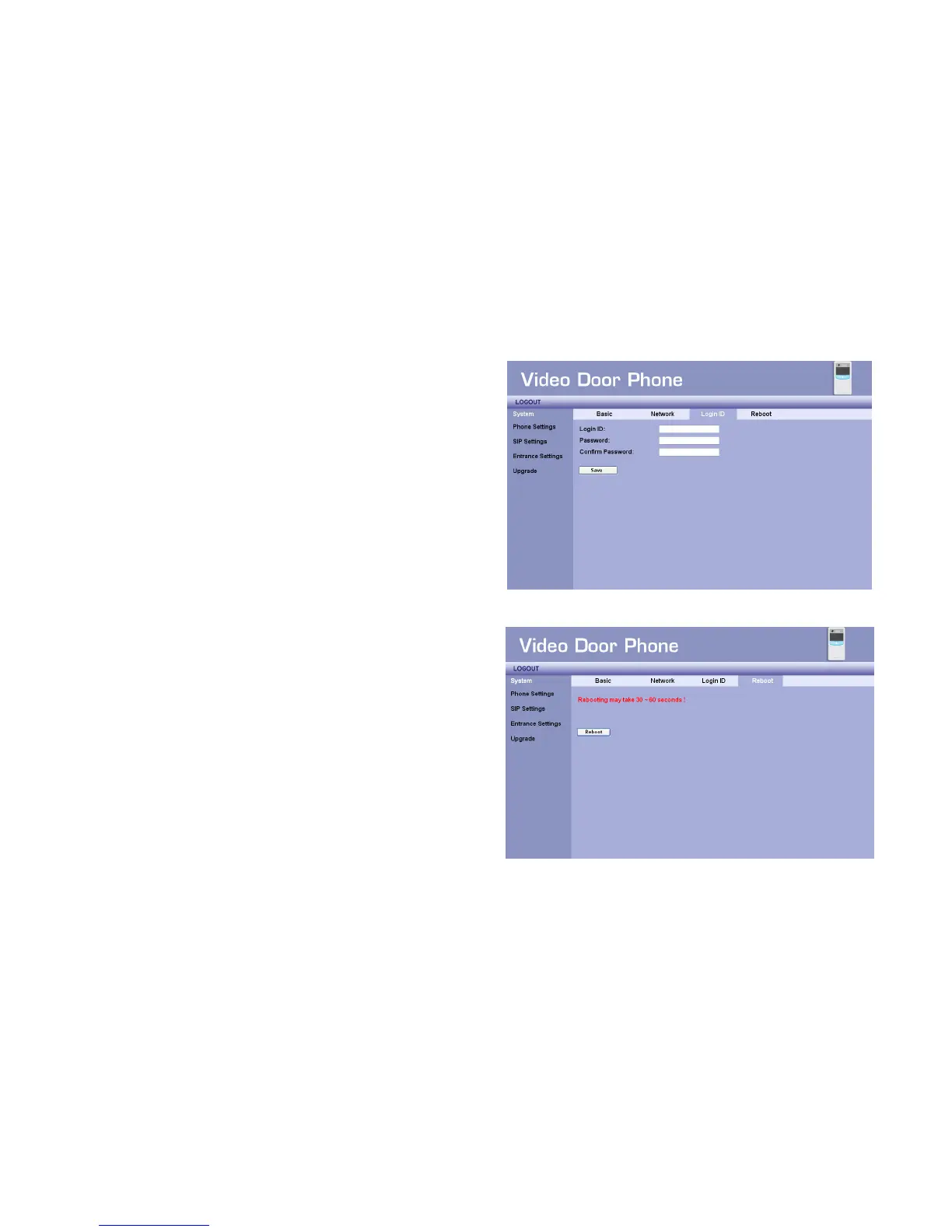
System - Login ID
You may change login ID and password of this Web UI here. There are
3 items:
Login ID – Input new ID here.
Password – Input new password here.
Confirm Password – Input the new password again here to make
sure the inputs are correct.
After filling in preferred data, you may press the “Save” button to save
new data.
The default is ID and password:
Login ID : admin
Password : admin.
System - Reboot
You may reboot this phone remotely if needed. Press “Reboot” button
to start this action. After confirm rebooting, Web UI will go back to the
home page, but the phone may take 60 seconds to go back on line. So
you have to wait for at least 90 seconds to login again.
Figure 16 : System Login ID Settings
Figure 17 : System Reboot



 To Next Page