Video Door Phone User Guide
26
Upgrade
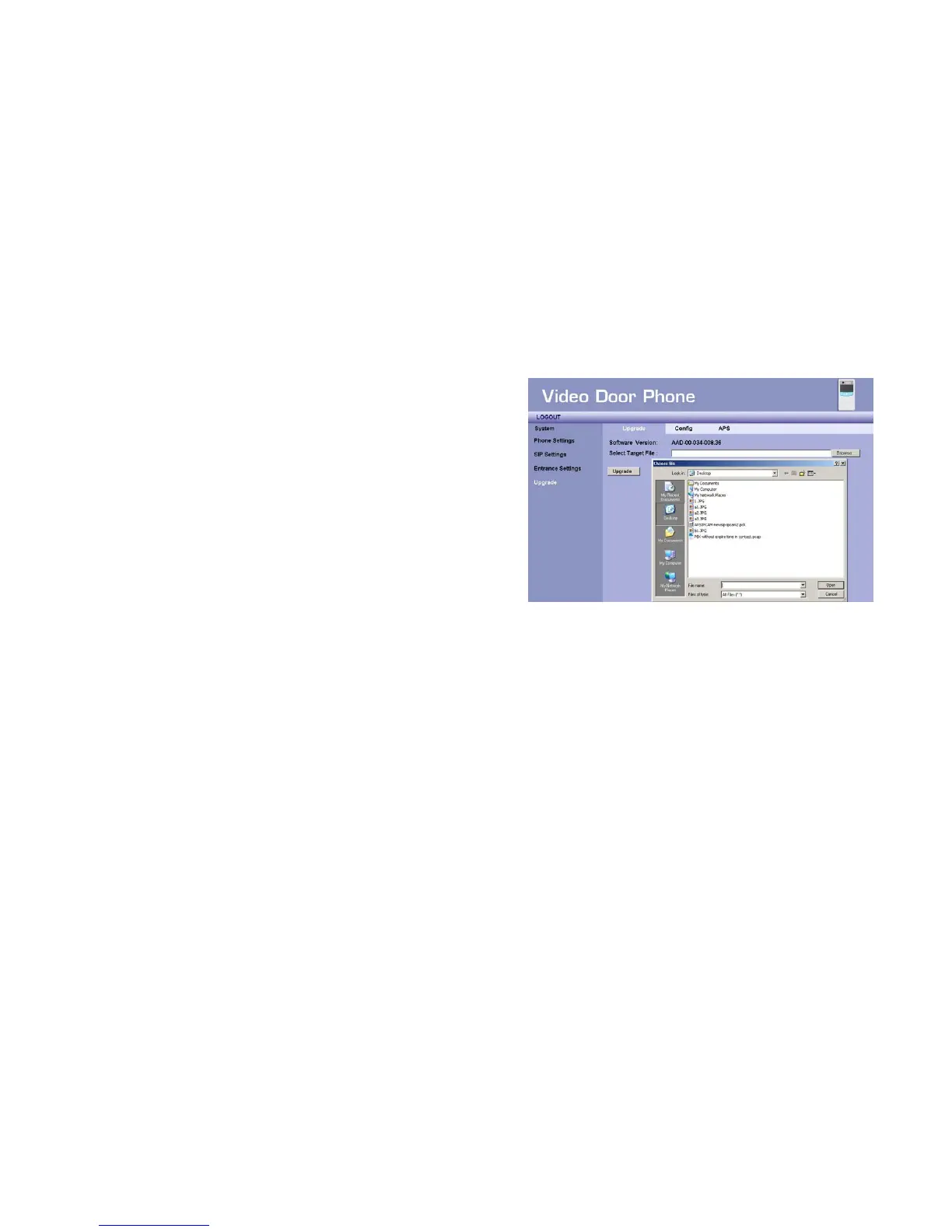
This section allows you to upgrade firmware of DP101 through
network. There are 2 items in this page:
Software Version - Shows current firmware version number.
Select Target File - You may press “Browse” button to locate the new
firmware that you wish to upgrade.
After select the new firmware, you can press “Upgrade” button to start the
upgrading process. You will see progress bar showing the upgrade status.
<IMPORTANT>: Please note, DO NOT turn off or disconnect the
power when the process is still going on, you may cause
unrecoverable damage to this Door phone. Continuous orange light
will indicate the upgrade procedure still carry on.
Figure 23 : Upgrade



 To Next Page