Video Door Phone User Guide
25
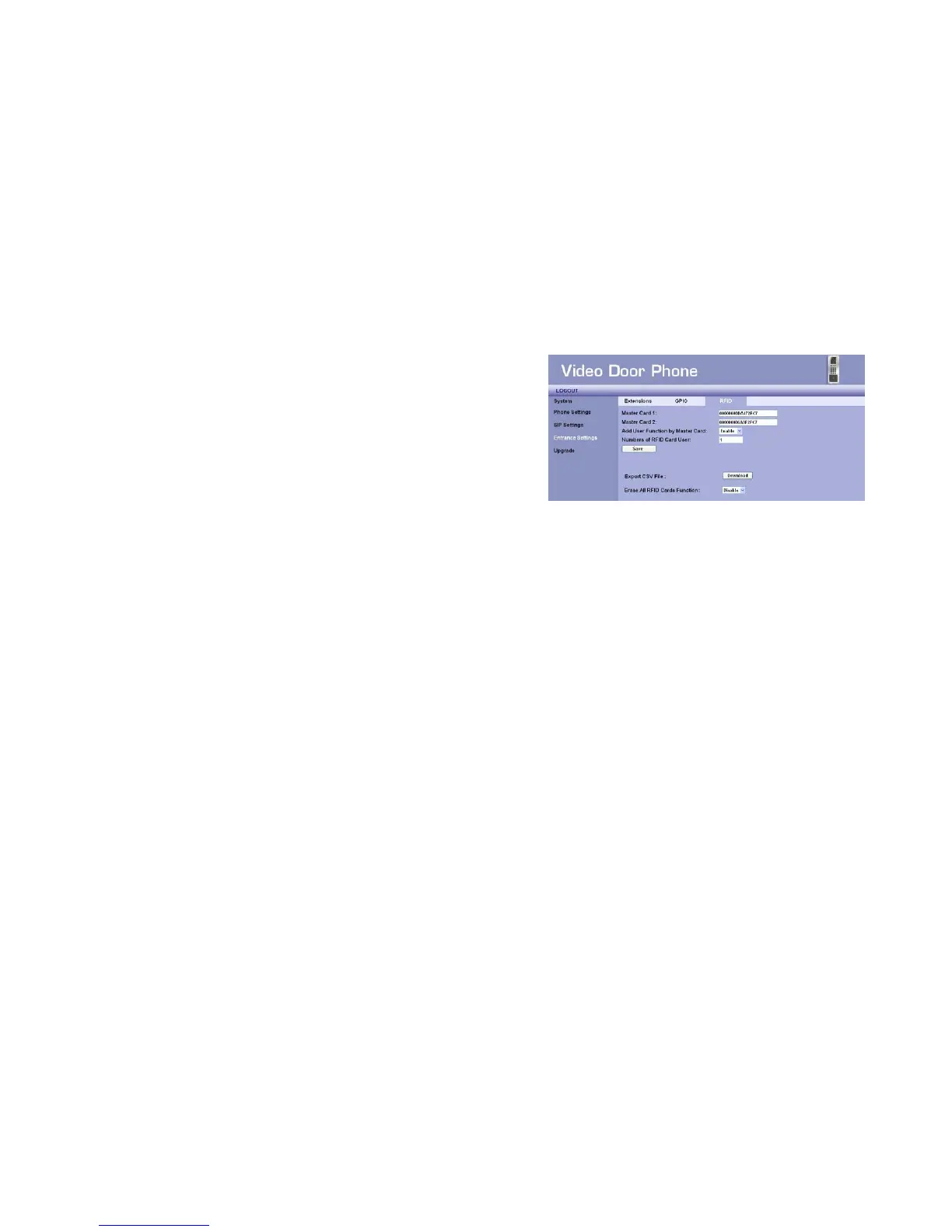
Entrance Settings –RFID
You may get the related RFID information and delete the issued RFID Cards
here.
Master Card1 – The master card can issue new cards for the new
residents. When the field is null, you may scan a new RFID Card, it
can be set as Master Card1.
Master Card2 – The master card can issue new cards for the new
residents. The Master Card2 can be issued by the Amroad’s software.
Add User Function by Master Card – To allow the master card can
issue new cards for the new residents.
Numbers of RFID Card User – The numbers of RFID cards are issued.
Export CSV File – The list of issued RFID cards can be exported here.
Erase ALL RFID Cards Function – To delete the issued RFID cards can be executed here. When the function is set “Enable”, to erase
individual RFID icon will appear as : Erase RFID Number – Then you may input the specific issued RFID card to delete.
Figure 24 : RFID



 To Next Page