Video Door Phone User Guide
14
Entering Web User Interface
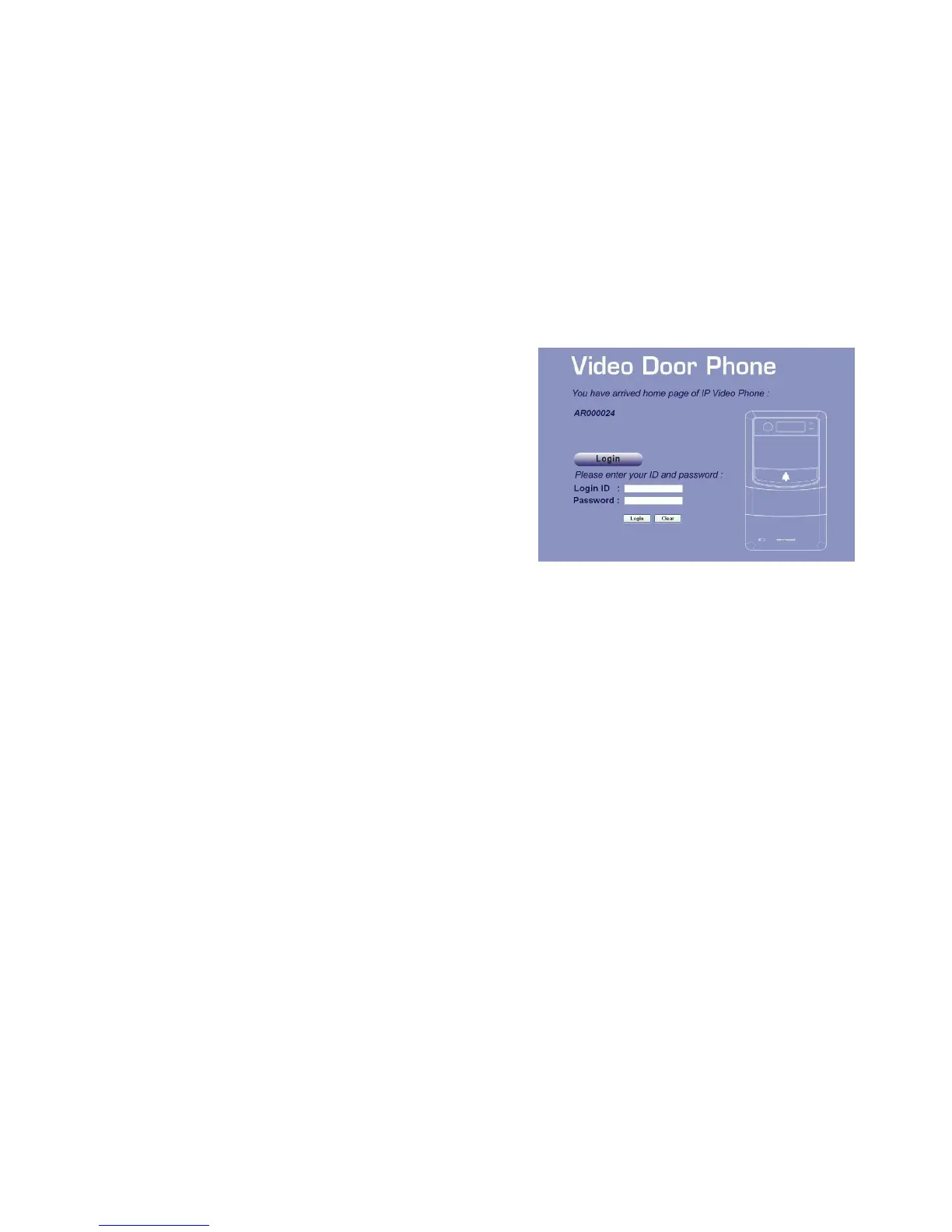
Input the IP address of this product on your browser, then you will see
home page of the Video Door Phone like Figure 13.
Web UI is protected by Login ID and Password. Press the “Login”
button, then you will see 2 input fields: Login ID and Password. Please
key in the correct ID and password, and then press second “Login”
button to enter Web UI. The default ID and password are:
Login ID: admin
Password: admin
Figure 13 : Login Web UI



 To Next Page