Introduction to PCoIP
Page 22
4.5.2 Administrave Web Interface (AWI)
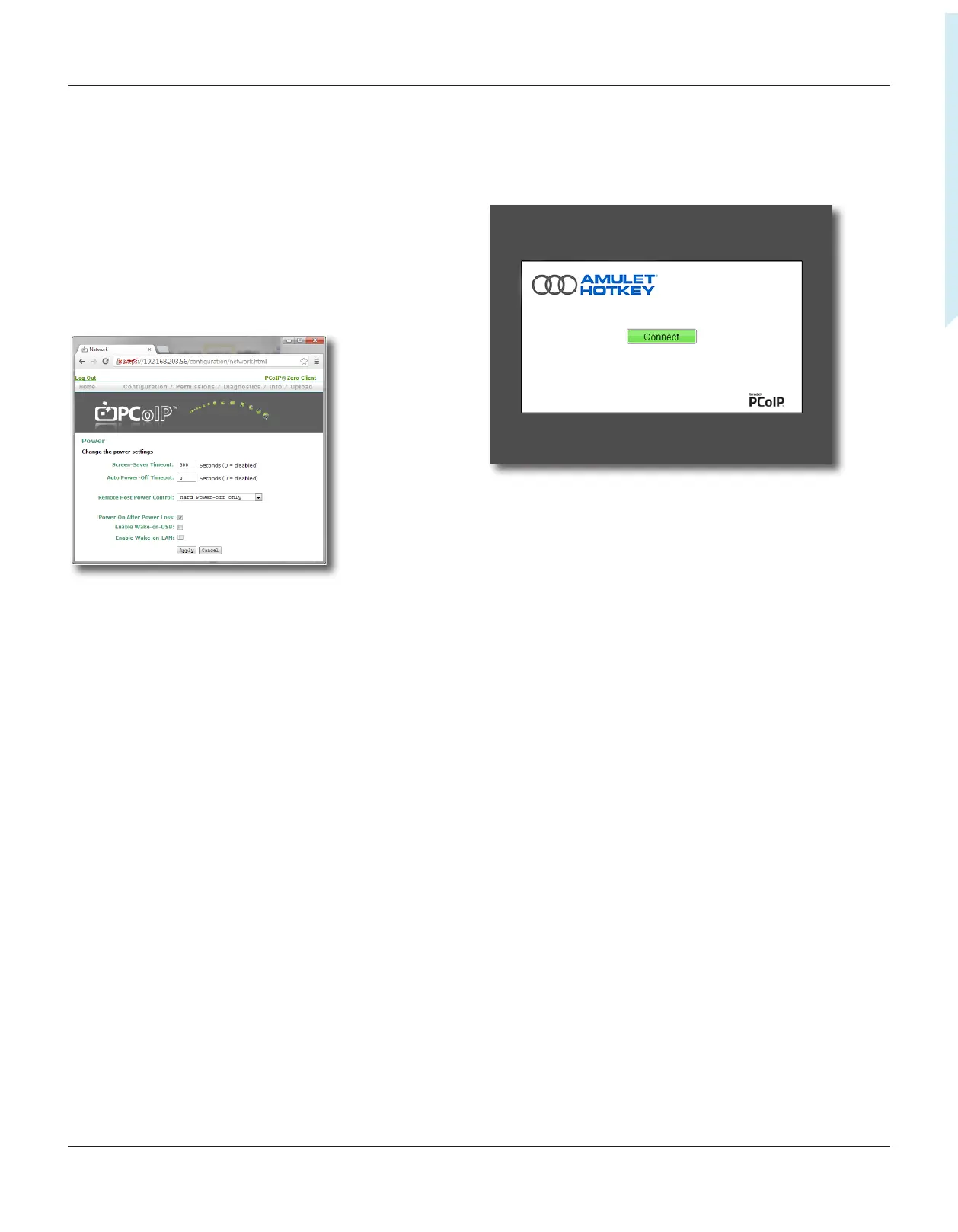
The AWI is an embedded HTTPS web interface for PCoIP devices.
It enables you to remotely congure individual PCoIP hosts and
zero clients using a web browser.
Example: You can set device power sengs, connecon
speeds, and dene inial setup parameters. The AWI also
provides tools for updang the device rmware (for the
Teradici processor).
To access the AWI, browse to the IP address of the PCoIP host or
zero client (see 1.3).
Figure 13:
4.5.3 On Screen Display (OSD)
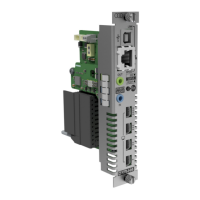
The OSD appears when the zero client is powered on and
a PCoIP session is not in progress. The OSD Connect screen
displays when you press the Menu buon on the zero client
front panel.
Figure 14:
If the zero client is in a low power state (no acvity for ve
minutes) the zero client automacally goes into a low power
state by turning o the monitors. In this case, pressing the menu
buon or a USB mouse/keyboard will wake the client back up.
The rst video head detected will show the OSD.
From the Connect screen, you can create a new PCoIP session
between the zero client and a remote PCoIP host unit or a virtual
desktop.
The Opons menu in the Connect screen gives access to various
conguraon pages (these pages provide a subset of the
funconality provided by the AWI). You must enter a password
to change any zero client sengs; see 3.6.


 To Next Page