Additional information
Page 32
7.6 Addional funconality
There are currently three Knowledge Base Arcles that describe
addional operaons using the Management Interface:
•
;
•
;
•
7.7 Disable the Management Interface
For normal factory sengs, the Amulet Hotkey MI and the
second IP address are disabled by default.
The MI will always be disabled at power up unless the Fn buon
is used to override this or you change the conguraon seng.
See 7.2.3.
Note: Even if the buon is used to turn the MI on, it will only
be enabled for this power cycle and will be disabled again at
the next power up.
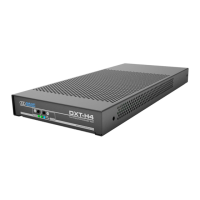
7.8 How to remove the DXT-H4
1. Read the cauons and warnings in STEP 2: Connect the
DXT-H4 to the host PC (on page 15).
2. Turn o the DXT-H4.
3. Power down the host computer.
4. Disconnect all cables
5. Power up the host computer.


 To Next Page