Programming
36
Instruction Manual - Massio ControlPads and Keypads
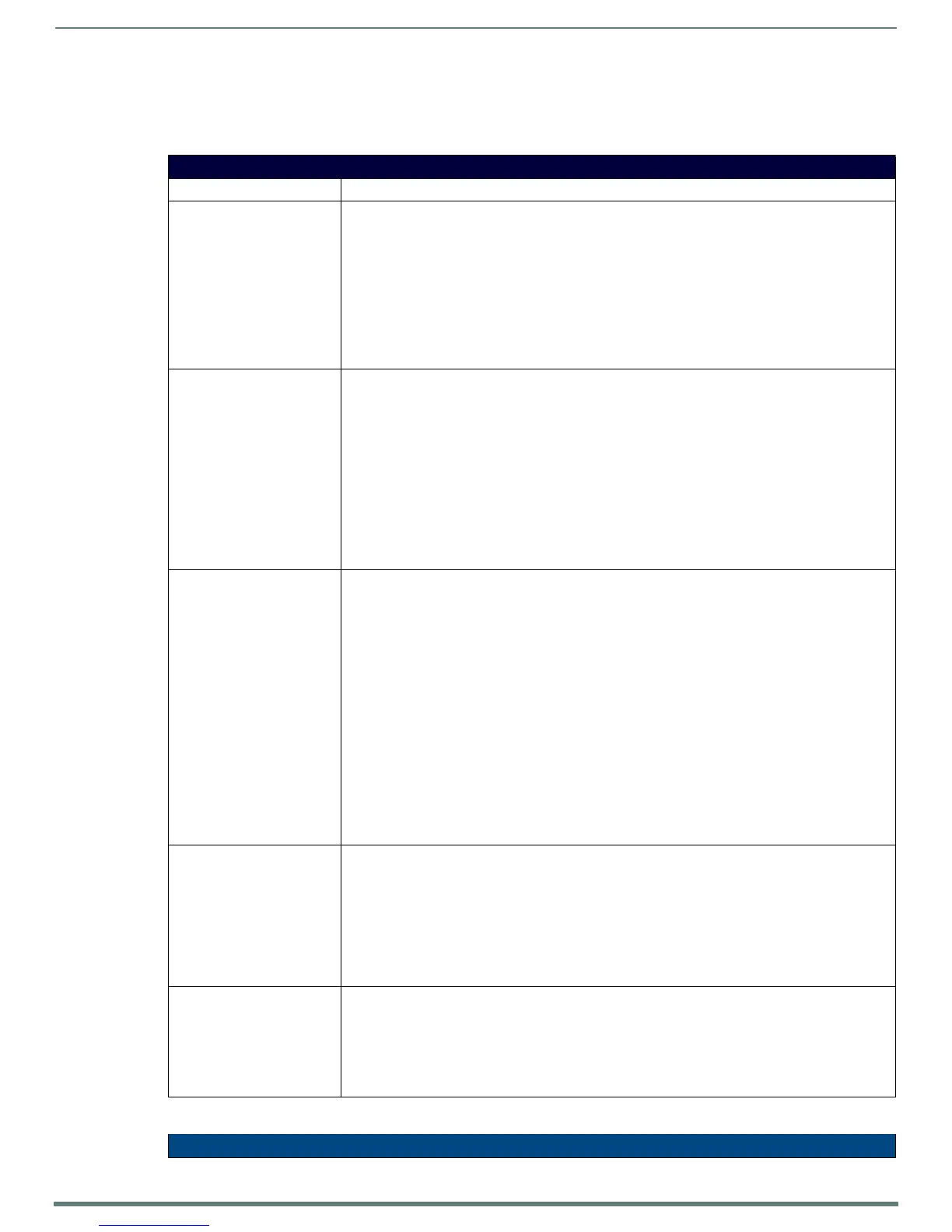
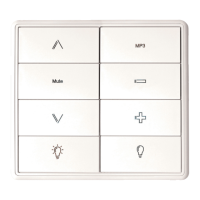
Massio Keypads support a number of NetLinx SEND_COMMANDs, described in the following section. To use these commands,
establish a Telnet session from the PC to the NetLinx master (see the Establishing a Terminal Connection via Telnet section on
page 37 for more information.)
NOTE: All text is based on a Unicode index.
SEND_COMMANDs
Command Description
@BRT Set Brightness level for all LEDs (pushbuttons and levels indicator bar) for both On and Off states.
Syntax:
@BRT-<on brightness (0-32)>,<off brightness (0-32)>
Variables:
on brightness = LED On brightness; ranges from 0 (off) to 32 (max).
off brightness = LED Off level brightness; ranges from 0 (off) to 32 (max).
Example:
SEND_COMMAND keypad,'@BRT-32,0'
Sets the LEDs to max brightness in the On state (32), and minimum brightness (no illumination) in the
Off state (0).
BMODE Sets the bargraph mode.
NOTE: This command is only valid on the MKP-108 keypad.
Syntax:
'BMODE-<bargraph mode 0-9>'
Sets the specified bargraph to operate in one of the following modes:
0 = (default) normal bar mode
2 = special bar mode (a level of 1-32 still has first LED on)
8 = individual element, discrete mode
9 = inverse individual element, discrete mode
Example:
SEND_COMMAND keypad,'BMODE-0'
?EXPANSION Allows NetLinx code to query the keypad to determine whether any expansion keypads are attached to it.
Syntax:
?EXPANSION
Example:
SEND_COMMAND DEVICE_1,"'?EXPANSION'"
Response Syntax:
"Expansion-<index>,<count>,<port>,<type>,<description>"
Variables:
Index - response index, starting with 1
Count - total number of response strings (i.e. max # of expansion keypads allowed, currently 2)
Port - Port associated with the expansion keypad
Type - Expansion keypad type (either MET-7X or MET-13X)
Description - Product description
Example Response Strings when a single expansion keypad is present:
"Expansion.Device-1,2,2,MET-7X,Metreau 7-Button Expansion Keypad"
"Expansion.Device-2,2,3,NONE,NONE"
LED-DIS Disable LEDs on the keypad.
Syntax:
LED-DIS
Example:
SEND_COMMAND DEVICE_1,"'LED-DIS'"
Disables LEDs on DEVICE_1.
NOTE: This parameter does not get stored in non-volatile memory. LEDs are enabled by default at
each power-up.
LED-EN Enable LEDs on the keypad. LEDs are enabled by default.
Syntax:
LED-EN
Example:
SEND_COMMAND DEVICE_1,"'LED-EN'"
Enables LEDs on DEVICE_1.
SEND_COMMANDs (Cont.)


 To Next Page