4
1 Programming the wheelchair
To ensure optimal programming on the Alltrack, use only Amylior’s instructions document, R-Net Programmer
software, and USB Dongle drivers from the website for the latest version.
Click Ctrl key together with this image
to access software downloads or use
QR code.
2 Adjusting R-Net settings
2.1 E-bx settings under the menu “Seating Amylior ISM”
Actuator number and its functionality
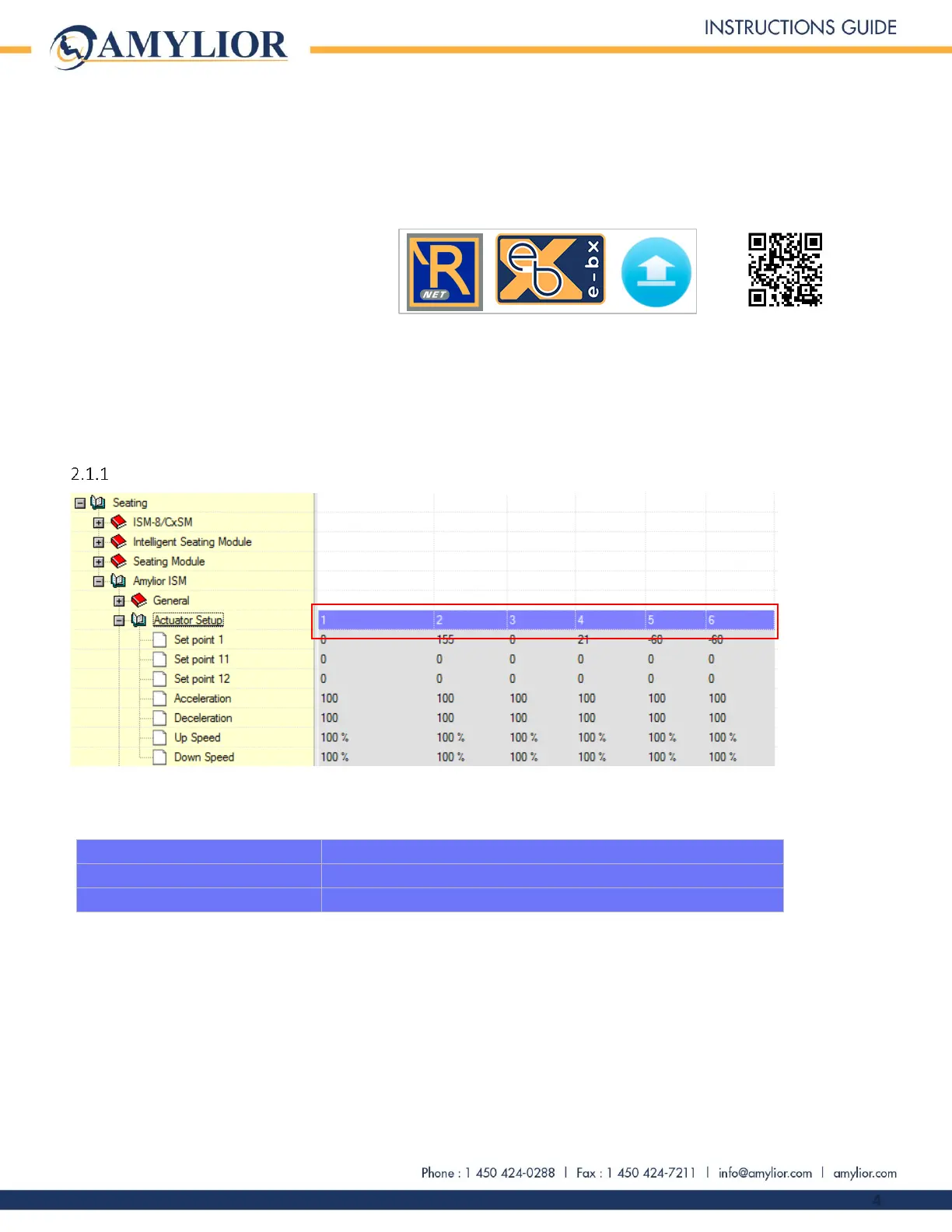
To access all actuators controlled by e-bx, use the following path: “Seating Amylior ISM Actuator Setup”. In this
submenu, the legend for each actuator number is as follows:
The functions assigned to actuators 5 and 6 depend on the chair’s power options. If the chair has the standing
option, actuators 5 and 6 will be assigned to the standing module. If the chair has the separate power legrests, then
the actuators 5 and 6 will be assigned to the left and right legrests.



 To Next Page