Figure 7-5
(Return to step 4 and input the code and then proceed)
9. Install the memory card from the tool into the supplied card adapter and insert
into USB port of CPU.
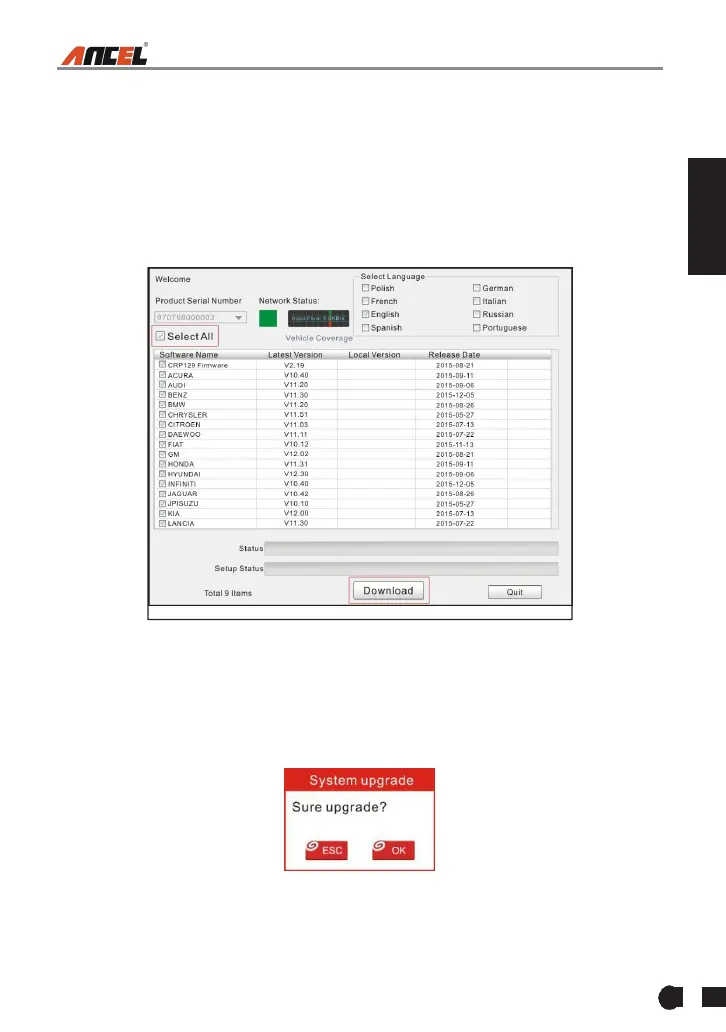
10.Reopen the FX2000 update Suite and select the updates you would like to
perform or click [Select All] and click [Download]. (Figure 7-6)
Figure 7-6
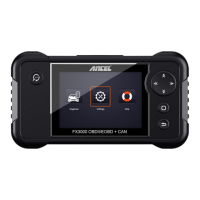
11. Once all steps are complete, reinsert the memory card into the tool and
power the tool via USB in computer or via OBD2 port in vehicle. The tool will
prompt you to upgrade, click [OK] to start updating and a progress bar will
appear. It may take several minutes to finish update if your upgrade package
file is too large, please wait. (Figure 7-7)
Figure 7-7
12.The registration process is now complete!



 To Next Page