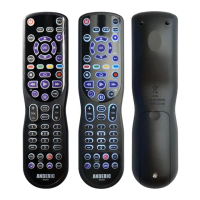
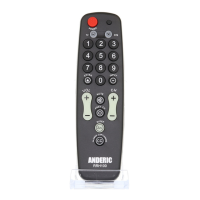
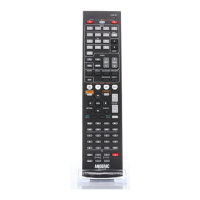
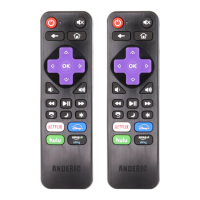
seconds, the remote shall quit the setup mode.
Program – Shortcut Key Method
1. Turn on TV manually.
2. Press and hold [SET] and the respective TV brand key from chart below.
(0-9, +100, MUTE) simultaneously and continue to hold keys until TV is
powered off; the indicator light shall remain on for the duration;
Now the remote is automatically searching the code of that TV brand. If the TV
is controlled (by powering on or turning off), release the buttons to save the
code and quit programming.
Shortcut Key - Brand Chart
Program – Manual Code Search
1. Turn on TV.
2. Press and hold [SET] key, then long press [CH+] key for about 5
seconds until indicator light remains on. Release the keys.


 To Next Page