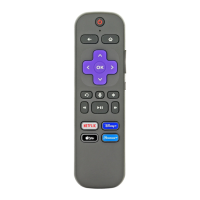
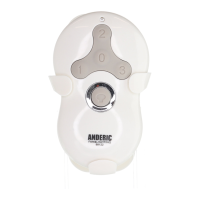
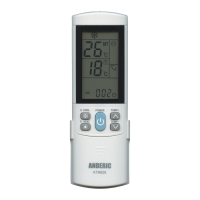
Still having trouble, please visit Anderic.com/RRST01 for a step-by-step video.
Delete all learned keys
1. Press and hold & keys simultaneously for 3 seconds; the indicator
light will flash three times to confirm. The deletion of all learned keys is
now complete.
Reset to factory default status
1. Press and hold & keys simultaneously for 3 seconds; the
indicator will flash three times to confirm. Reset to factory default is now
complete.
Optional cable attachment
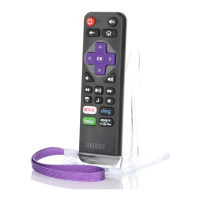
We offer a security cable (Part number: CBL01) that can be easily attached to
the remote. This is great for keeping your remote affixed to any flat surface. This
item is sold separately. Go to Anderic.com/CBL01 to view and purchase the item.
Copyright 2020.
Anderic
®
is a registered trademark of Dan’s Electronics Etc. Inc. Roku
®
is a
registered trademark of Roku Inc. Dan’s Electronics Etc., Inc. is not affiliated in
any way with Roku Inc. or any of the other mentioned brands. All other brands
mentioned are registered trademarks of their respective owners.
For support, go to Anderic.com.
!


 To Previous Page