29
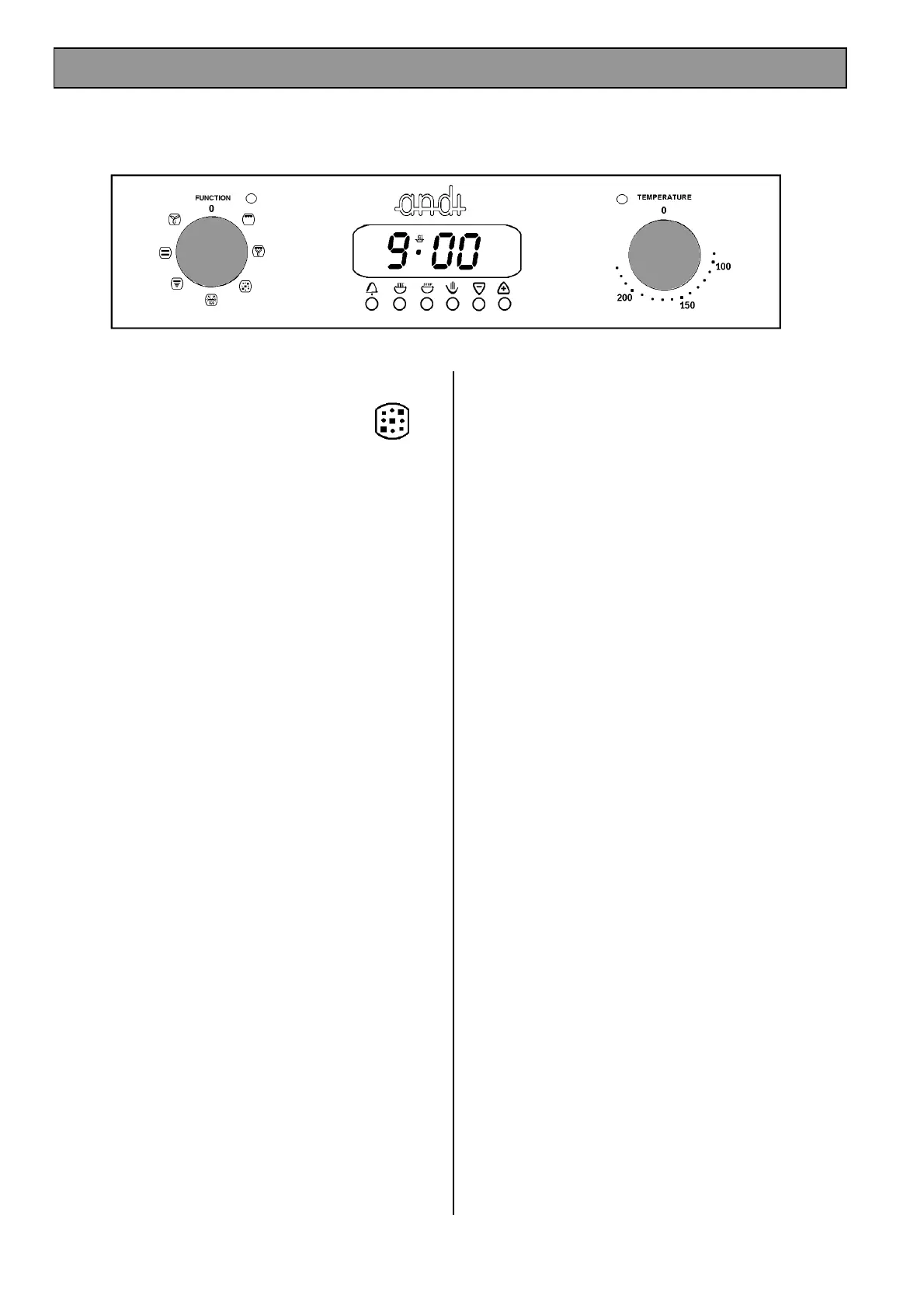
SELECTING OVEN CLEAN
· Remove oven shelves and bakeware from oven.
· Turn the Function Selector to oven clean.
· Turn the Temperature Control to Full Setting.
THINGS TO NOTE
1. The temperature indicator neon will glow until the
oven has reached the desired temperature and
then go out. It will then turn ON and OFF
showing that the oven temperature is being
maintained.
2. The internal oven light operates when the
selector is set.
3. The control cooling fan will operate after a short
time when oven clean is selected. See page 14
for more details on the operation of the cooling
fan.
HINTS AND TIPS
· Use the oven clean function for an hour or two
per week to avoid a build up of soilage.
· A good time to use the oven clean function is
after the weekly roast. Simply select oven clean
function as described above and allow the oven
to run for an hour or so.
OVEN CLEAN FEATURE



 To Next Page