When the monitor image stops or froze, please pin the Reset hole (pic 2 #⑩) to reset the device first, then
power on the device again. (Reset hole is very tiny, located at the back of the monitor. You may need to
use the help of other tools with this process. All settings of the microscope will be back to factory setting
after this, but it won’t delete any files saved in memory card).
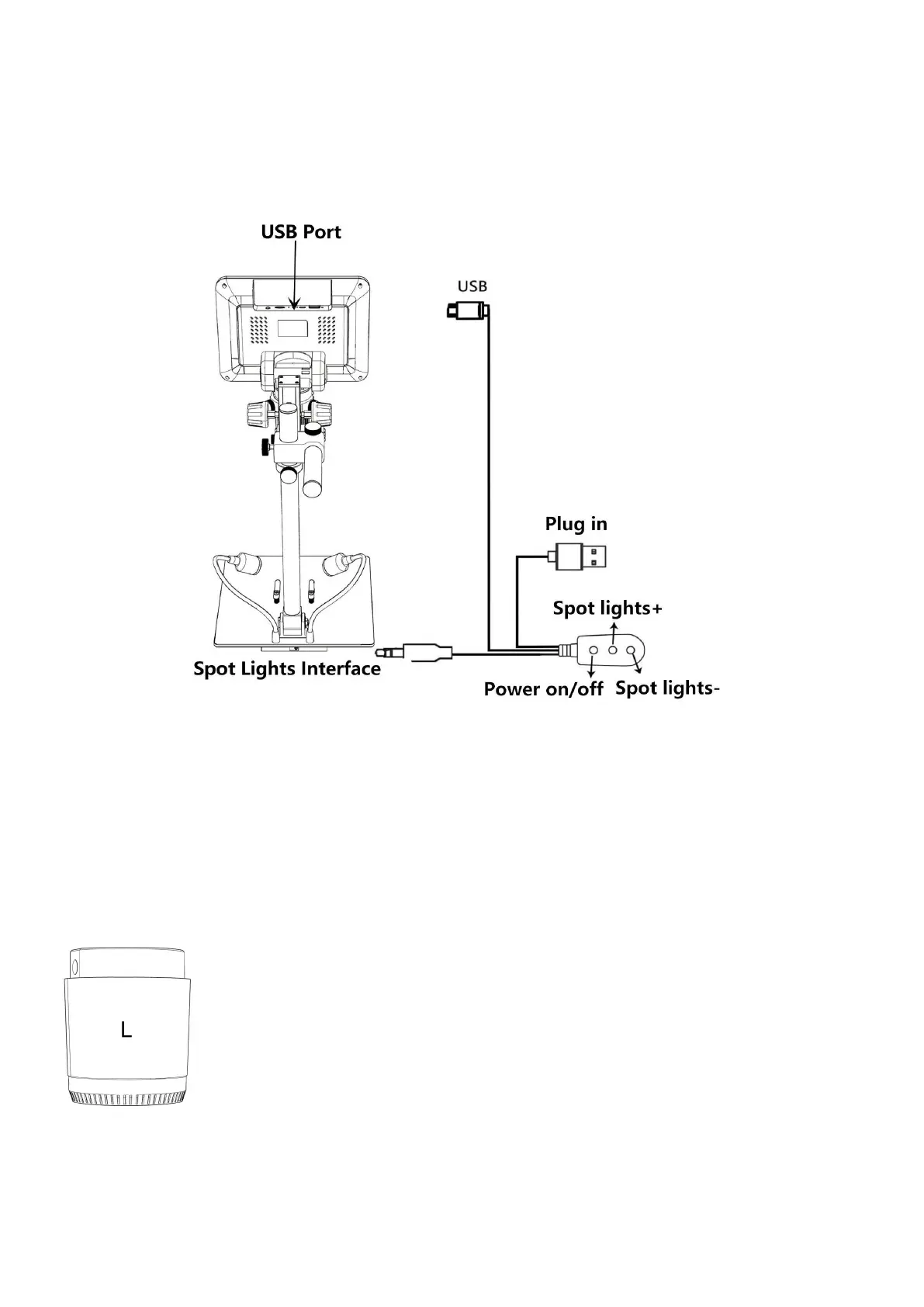
(pic 4 Connection)
How to choose lens
Lens L:
Working distance:90mm-300mm,
Magnification:15-60x(with3 times digital zoom)
Applications:circuit board observe, watch repair etc.



 To Next Page