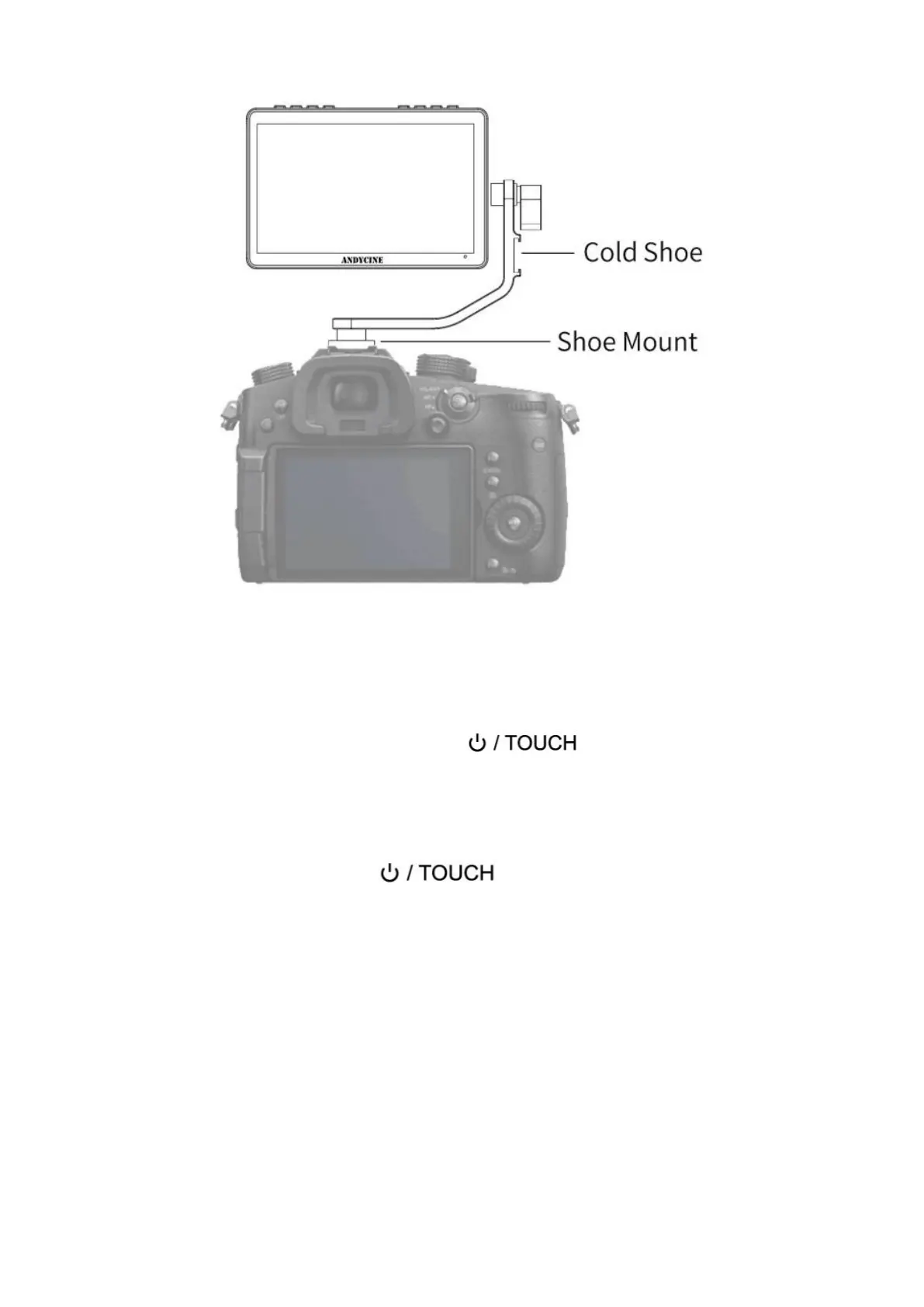
2. Menu Operation Instruction
After the monitor is properly connected to the power supply, the
indicator light is on (red). Long press button to turn on the
monitor, the indicator light turns yellow. After the signal is connected,
the indicator light turns green.
After startup, short press to select to turn the screen
touch function on or off.
2.1 Touch screen menu operation (default touch screen is on)
①.Double-click on the screen to open the main menu (on the left side
of the screen) and click on the corresponding menu to display the
secondary menu.


 To Next Page