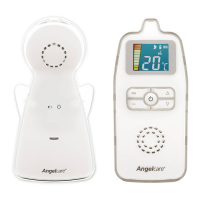
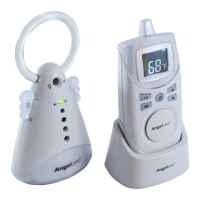
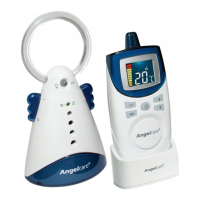
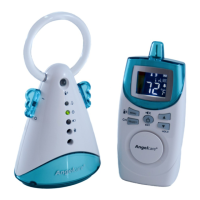
Need help?
Do you have a question about the Angelcare AC423-D and is the answer not in the manual?
Critical safety warnings, including adult assembly requirements.
Warnings on adult supervision, cord hazards, and unit placement near cribs.
Precautions regarding electrical safety, water exposure, and heat sources.
Essential guidelines for safe battery usage, charging, and disposal.
Emphasizes reading, keeping, and following all safety and operating instructions.
Detailed instructions for safe battery charging, replacement, and handling.
Step-by-step guide for initial charging and battery maintenance.
Instructions for battery installation, placement, and connecting the nursery unit.
Steps to turn on both the parent and nursery units.
Guide to monitoring battery levels and recharging the parent unit.
Instructions for enabling the out-of-range alert feature for communication loss.
Steps to fix issues where the parent and nursery units are not communicating.
Detailed steps to reconnect the parent and nursery units after a loss of signal.
 General
| Two-way Communication | Yes |
|---|---|
| Temperature Sensor | Yes |
| Batteries Required | Yes |
| Sensor Pad | Yes |
| Sound Activation | Yes |
| Temperature Monitoring | Yes |
| Parent Unit | Yes |
| Range | 250m |
| Features | Sound Monitoring |
| Power Source | Battery & Mains |
| Alerts | Temperature |

 To Next Page