EasyManua.ls Logo

Angelcare AC420 - User Manual

Angelcare AC420
44 pages
Print Icon
To Next Page IconTo Next Page
Loading...
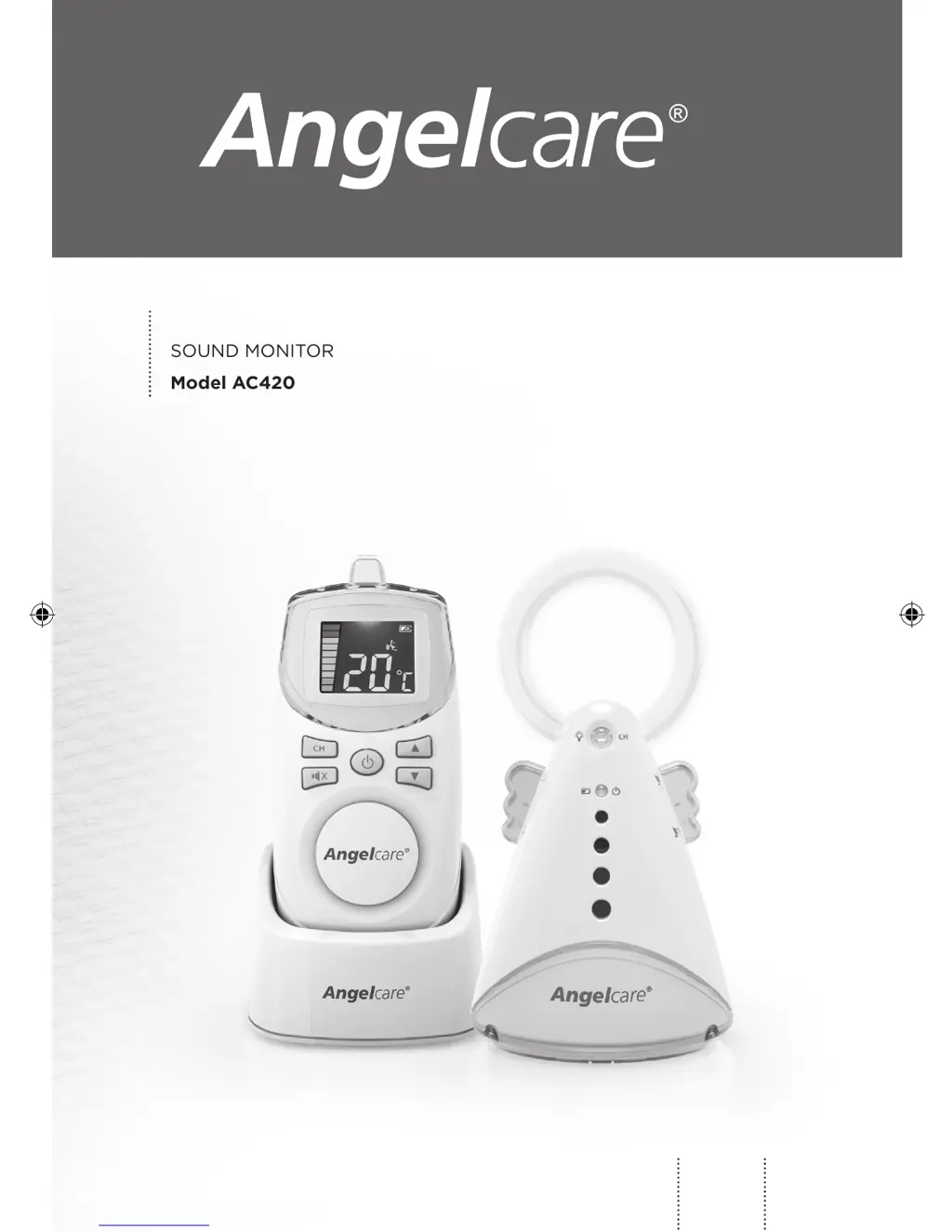
OWNER’S MANUAL
SOUND MONITOR
Model AC420
EN
2
HU
21
FOR YOUR PEACE OF MIND
07mf5_User_guide_AC420_INT_EN-HU_12139.indd 1 2017-08-17 11:09 AM

Other manuals for Angelcare AC420

Questions and Answers

Summary

General Safety Warnings

Strangulation Hazard

Warns about cords and keeping them out of children's reach.

Battery Safety Warnings

Provides critical instructions for safe battery usage and charging.

Important Safety Instructions

Battery Safety Instructions

Battery Type and Compatibility

Use only specified battery types and ensure compatibility for safety.

Battery Charging and Handling

Instructions for charging, storage, and handling to prevent damage or explosion.

Step 1: Charging the Parent Unit

Parent Unit Battery Installation and Charging

Steps for inserting rechargeable batteries and charging the parent unit fully.

Step 2: Setting Up the Nursery Unit

Nursery Unit Setup and Battery Installation

Instructions for installing batteries and connecting the nursery unit to power.

Step 3: Turning On Your Monitor

Powering On and Out-of-Range Indicators

Steps to power on units and understand out-of-range indicators.

Step 4: Testing and Monitor Features

Out-of-Range Function and Alarm

Explains the out-of-range feature, its range, and associated alarms.

Sound Transmission and Troubleshooting

Sound Transmission (VOX) Operation

Details the voice-activated sound transmission and sensitivity dial.

Troubleshooting Guide

Common Operational Troubleshooting

Solutions for common problems like no sound, weak reception, interference, and screen issues.

Angelcare AC420 Specifications

General IconGeneral
Frequency band2.4 GHz
Maximum range250 m
Frequency range864 - 2400 MHz
Channels quantity8 channels
Temperature sensorYes
Maximum indoor range100 m
Product colorWhite
Battery typeAAA
Battery technologyNickel-Metal Hydride (NiMH)
Number of batteries supported4

Related product manuals