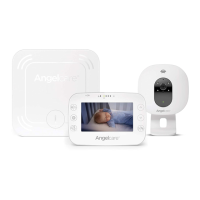
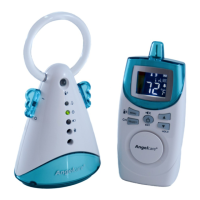
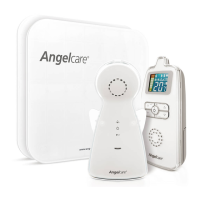
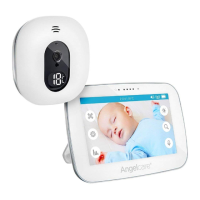
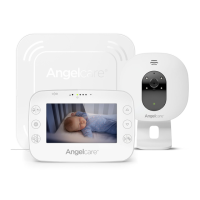
Need help?
Do you have a question about the Angelcare AC701 and is the answer not in the manual?
Monitor alerts when no movement is detected. Deactivate if not using Sensor Pad.
Insert rechargeable batteries correctly into the Parent Unit for charging.
Keep Sensor Pad cord away from baby and secure it properly.
Read and follow all instructions carefully before assembling and using the product.
Covers electrical shock, heat sources, ventilation, and privacy concerns.
Guidelines on water proximity, cleaning methods, ventilation, and cord management.
Rules for object entry, antenna placement, vibration sources, and sensor pad setup.
Covers battery types, charging procedures, replacement, and disposal safety.
Information on FCC and IC compliance for RF exposure guidelines.
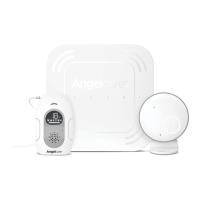
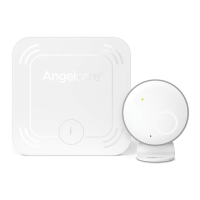
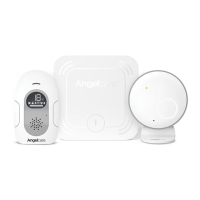
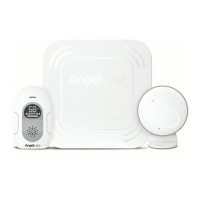
Lists items included with the monitor and what the user needs to prepare.
Guidance on placing the crib and nursery unit for optimal performance.
Identifies key parts and features of the Parent Unit.
Instructions for selecting a safe location for the Nursery Unit relative to the crib.
Details on selecting crib legs and using cord covers to secure wires.
Steps for placing the Sensor Pad on the mattress support, including cord routing.
Guidance on cord cover placement, final checks, and mattress reinstallation.
Identifies key parts and features of the Nursery Unit.
Explanation of icons displayed on the Parent Unit screen for monitoring.
How to activate/deactivate the sensor pad and test its movement detection.
Instructions for setting the sensitivity level for the Sensor Pad.
How to enable the 'TIC' sound feature for baby's movements.
How to increase or decrease the volume level of the monitor.
Checking battery levels and procedures for charging the Parent Unit.
Details the factory default settings for sound, movement, temperature, and alarms.
Explains modes: Sound & Movement, Movement Only, and Sound Only.
How to set the sound level for voice activation to trigger transmission.
How to enable ECO mode for reduced electro-smog and battery saving.
Instructions for switching between Celsius and Fahrenheit for temperature readings.
How to turn the high and low temperature alarms on or off.
How to define the high and low temperature limits for alarms.
Choosing preferred alarm modes: sound, vibration, or both.
How to put the monitor on hold and resume normal operation.
How to mute and unmute the monitor's sound.
Using the monitor as a night light and selecting brightness levels.
How to locate the Parent Unit using the paging feature.
Tips for maintaining battery life and performance.
Steps to resolve connectivity issues and re-establish connection.
Troubleshooting steps for false alarms and when no sound is transmitted.
Resolving issues with power indicators, weak reception, and interference.
Troubleshooting when the Parent Unit screen is black.
Information on product warranty period, coverage, and exclusions.
Details on power sources, adapter types, battery specifications, and transmission frequency.
Information on directives, declarations of conformity, and environmental compliance.
 General
| Type | - |
|---|---|
| Thermometer | Yes |
| Maximum range | 230 m |
| Channels quantity | - channels |
| Product color | White |

 To Next Page