EasyManua.ls Logo

Angelcare AC117 - User Manual

Angelcare AC117
80 pages
Print Icon
To Next Page IconTo Next Page
Loading...
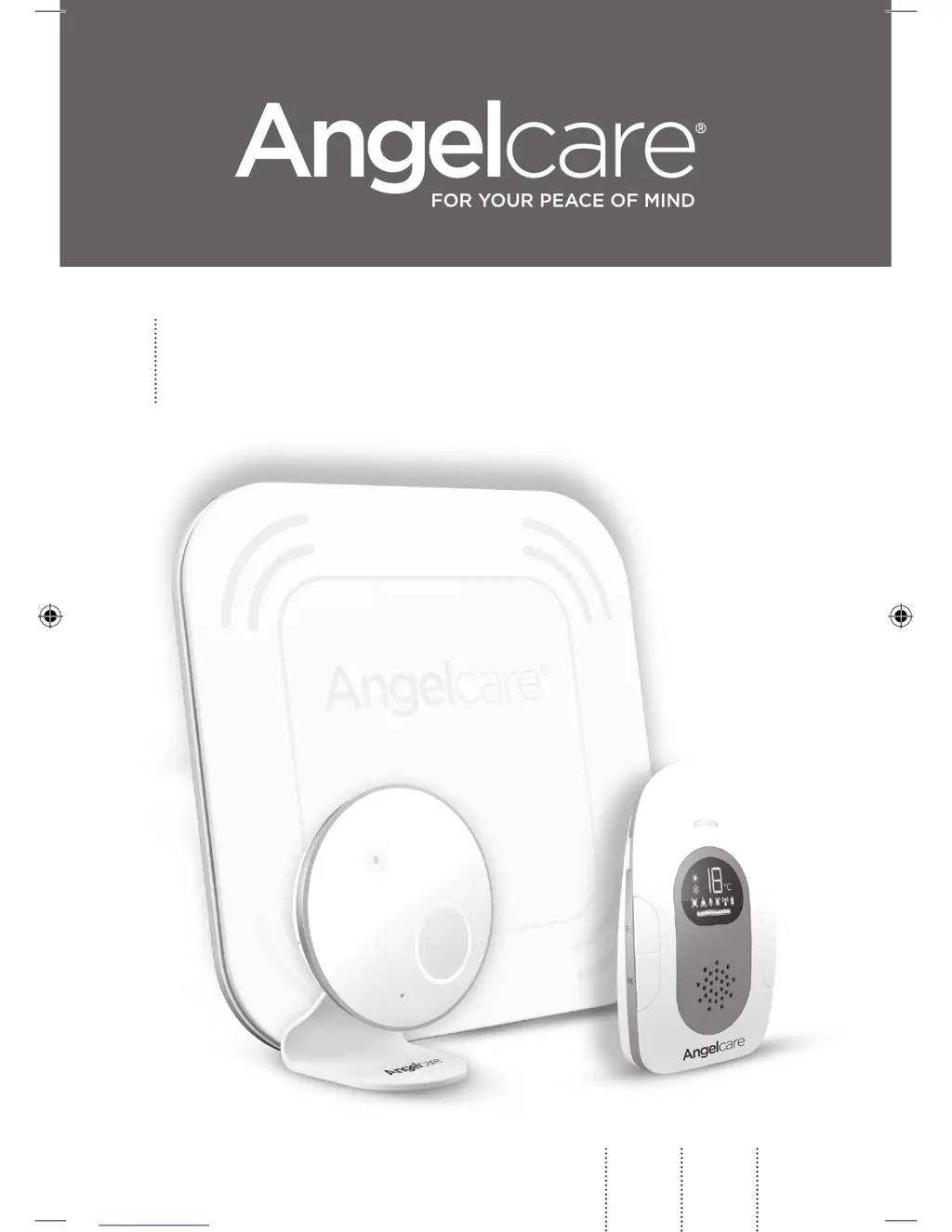
OWNER’S MANUAL
Model AC117
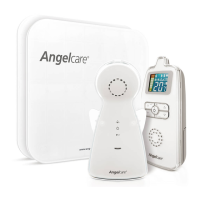
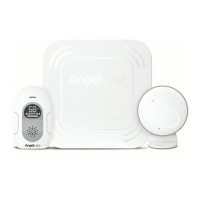
Baby movement and sound monitor
EN
2
FR
27
ES
53
02mf_Manuel_AC117_NA_12681.indd 1 2017-09-15 10:28 AM

Questions and Answers

  • L
    lhughesAug 2, 2025
    What to do if my Angelcare AC117 loses connection?
    • B
      Brad BartonAug 2, 2025
      To restore connectivity between the Parent Unit and the Nursery Unit, try the following steps: 1. Bring the Parent Unit and Nursery Unit closer together, ensuring both are powered ON. 2. Turn both units OFF completely. 3. Turn the Nursery Unit ON. 4. Press the Power button on the Nursery Unit four times consecutively. 5. Turn the Parent Unit ON. 6. Press and hold the Talk Back button on the Parent Unit until you hear a beep. 7. Press the OK button on the Parent Unit.
  • D
    David MooreAug 7, 2025
    Why does my Angelcare AC117 keep giving false alarms?
    • B
      Benjamin EstesAug 7, 2025
      To address false alarms on your Angelcare Baby Monitor, consider these steps: * Turn OFF the Nursery Unit. * Ensure there is no bedding between the mattress and the Sensor Pad. * If your cot has a spring or slat base, place a hardboard (minimum 6 mm thick, 33 x 33 cm dimensions) between the cot base and the Sensor Pad. * Verify the Sensor Pad is positioned correctly according to the setup requirements.
  • T
    Teresa GarciaAug 12, 2025
    What to do if my Angelcare Baby Monitor loses connection between the Nursery Unit and the Sensor Pad?
    • J
      James WilsonAug 12, 2025
      If your Angelcare Baby Monitor is losing connectivity between the Nursery Unit and the Wireless Sensor Pad, try bringing the Sensor Pad and Nursery Unit closer together. Make sure both units are turned ON to restore the connection.
  • J
    Jeffery CarterAug 17, 2025
    How to reconnect Angelcare Baby Monitor sensor pad?
    • A
      Angelica DavisAug 17, 2025
      To restore connectivity between the Nursery Unit and the Wireless Sensor Pad, follow these steps: 1. Bring the Sensor Pad and Nursery Unit closer together, ensuring both are powered ON. 2. Turn both units OFF. 3. Remove and replace the battery from the Sensor Pad. 4. Turn the Nursery Unit ON by pressing the Power ON/OFF button for 2 seconds. 5. Press and hold the Pause Unit button for 3 seconds.
  • S
    Steven MorganAug 22, 2025
    What to do if my Angelcare Baby Monitor keeps giving false alarms?
    • W
      wjonesAug 22, 2025
      To stop false alarms on your Angelcare Baby Monitor, try the following: * Turn OFF the Nursery Unit. * Ensure there is no bedding between the mattress and the Sensor Pad. * Place a hardboard (at least 6 mm thick and 33 x 33 cm) between the cot base and the Sensor Pad. * Verify the Sensor Pad is positioned correctly according to the setup requirements.
  • M
    Melinda MartinezAug 27, 2025
    How to fix Angelcare AC117 Baby Monitor with low battery?
    • T
      Thomas FisherAug 27, 2025
      If your Angelcare Baby Monitor's performance is affected by inadequate battery power, replace the rechargeable batteries with 2 x NiMH Rechargeable Batteries.

Summary

WARNINGS

BATTERY WARNING

Safety instructions and warnings regarding the use and replacement of batteries.

IMPORTANT SAFETY INSTRUCTIONS

General safety guidelines for operating and maintaining the baby monitor.

STEP 1 - CHARGING THE PARENT UNIT (10 HOURS)

STEP 2 - POSITIONING THE MOVEMENT SENSOR PAD

2.1 - POWERING THE MOVEMENT SENSOR PAD

Instructions for inserting the CR3032 battery into the movement sensor pad.

2.2 - INSTALL THE SENSOR PAD ON THE MATTRESS SUPPORT

Guidance on placing the sensor pad correctly on or under the mattress.

STEP 4 - TURNING ON YOUR MONITOR

STEP 5 - TESTING AND GETTING TO KNOW YOUR MONITOR

5.2 - ACTIVATING;DEACTIVATING THE SENSOR PAD

Steps to turn movement detection and TIC function on or off.

TROUBLESHOOTING

COMMON ALARM AND DETECTION ISSUES

Solutions for false alarms, no alarms, weak reception, and interference.

INDICATOR AND POWER ISSUES

Troubleshooting problems with unit indicator lights and power.

Angelcare AC117 Specifications

General IconGeneral
BrandAngelcare
ModelAC117
CategoryBaby Monitor
LanguageEnglish

Related product manuals