EasyManua.ls Logo

Angelcare AC520 - User Manual

Angelcare AC520
33 pages
Print Icon
To Next Page IconTo Next Page
Loading...
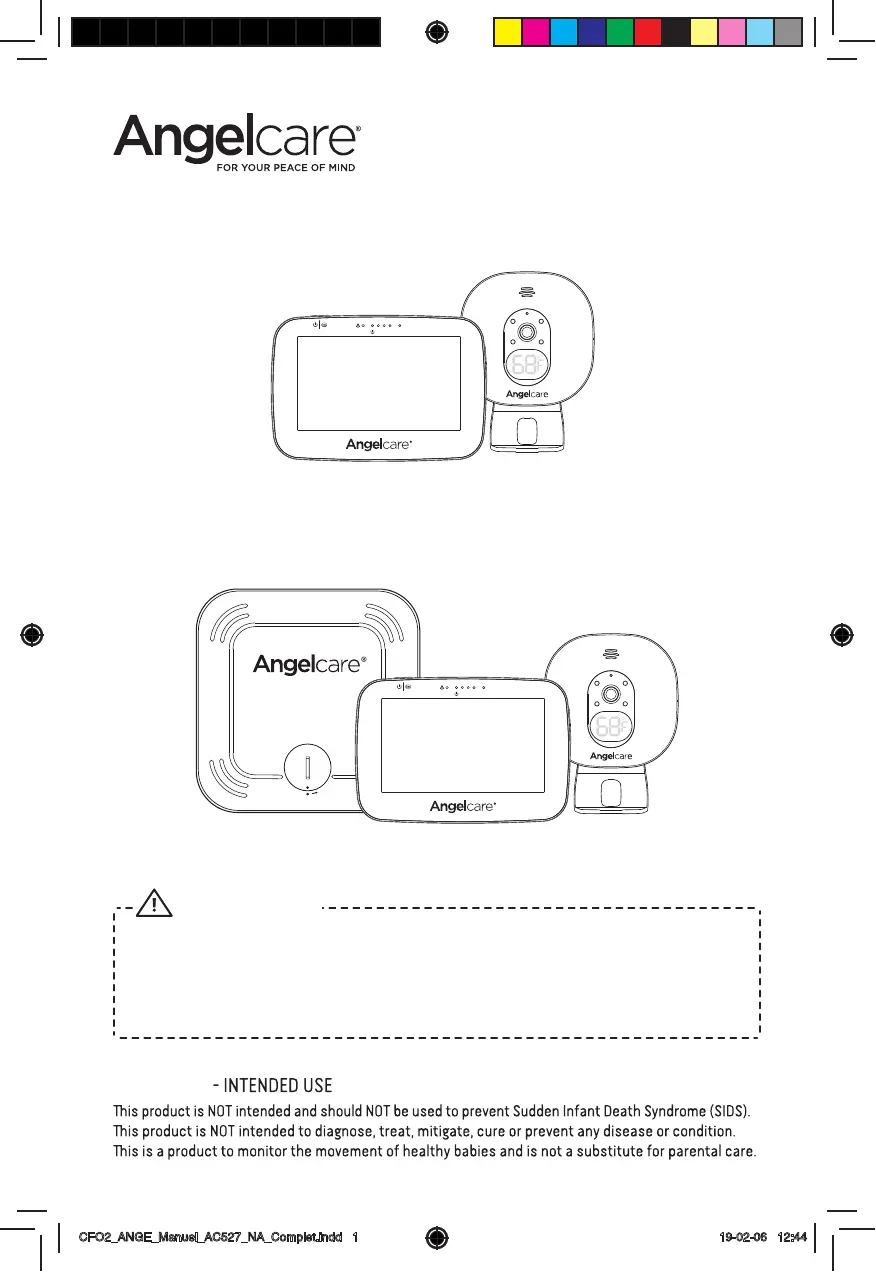
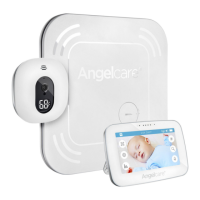
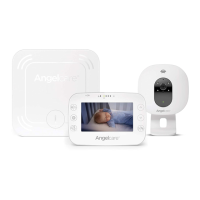
Model AC527
Baby Movement Monitor,
with Video
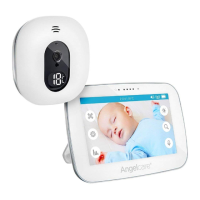
Model AC520
Baby Monitor,
with Video
Keep user’s guide for future reference. Please read the warnings and
safety instructions carefully before assembling & using the product.
Failure to follow the warnings and the instructions could result in serious
injury or death or damage to the product.
WARNING
OWNER’S MANUAL
IMPORTANT
CFO2_ANGE_Manuel_AC527_NA_Complet.indd 1 19-02-06 12:44

Questions and Answers

  • A
    Amber SummersAug 13, 2025
    How to fix no sound on Angelcare Baby Monitor?
    • S
      Scott OrtizAug 13, 2025
      If no sound is being transmitted on your Angelcare Baby Monitor, first check the volume level on both the Parent Unit and the Nursery Unit to ensure they are appropriately set. If the volume levels are fine, try bringing the Parent Unit closer to the Nursery Unit to see if you get sound. Also, ensure that the Parent Unit is adequately charged.
  • L
    Lauren WilliamsAug 16, 2025
    What to do if Angelcare Baby Monitor has weak reception?
    • J
      Jeffrey DavisAug 16, 2025
      If your Angelcare Baby Monitor has weak reception, try the following: Bring the units closer together. Change the position of either the Parent Unit or the Nursery Unit. Place both units on a flat surface, ensuring they are out of the baby’s reach. Also, ensure the Parent Unit is fully recharged.
  • J
    John BauerAug 20, 2025
    Why does my Angelcare Baby Monitor have false alarms?
    • E
      Erika JenkinsAug 20, 2025
      If your Angelcare Baby Monitor is giving false alarms, consider these potential solutions: Replace the Sensor Pad battery (CR2450). Ensure the Nursery Unit is turned OFF when the baby is not in the crib. Make sure there is no bedding between the mattress and the Sensor Pad, and that the Sensor Pad is placed correctly on a flat, firm surface with the printed side facing up. You may also need to adjust the sensitivity level.
  • B
    brian21Aug 23, 2025
    How to reduce static on Angelcare AC520?
    • C
      Cindy CooperAug 25, 2025
      To reduce static, distortion, or interference on your Angelcare Baby Monitor, rotate the Parent Unit or move it away from the source of interference.
  • T
    Timothy BryanAug 28, 2025
    What to do if Angelcare Baby Monitor has feedback?
    • X
      xwestAug 28, 2025
      If your Angelcare Baby Monitor is emitting loud feedback noises from the Parent Unit, try moving the units further apart, ensuring they are at least 10 feet (3 meters) away from each other. Alternatively, decrease the volume on the Parent Unit.
  • B
    Brandon RamirezAug 31, 2025
    How to fix Angelcare AC520 Baby Monitor connectivity loss?
    • D
      donald23Aug 31, 2025
      To fix a loss of connectivity between the Nursery Unit and Parent Unit on your Angelcare Baby Monitor: Turn ON the Parent Unit while keeping the Nursery Unit OFF. Press the Main Menu button, then navigate to the Pairing Menu and select the Nursery Unit 1 Icon. If it shows as connected, select it and remove it using the red icon. Finally, turn ON the Nursery Unit and press and hold its 'pause/pairing' button until the temperature indicator starts blinking during pairing.
  • J
    jessica30Sep 3, 2025
    Why is my Angelcare AC520 parent unit screen black?
    • K
      Kevin Short DVMSep 4, 2025
      If the Parent Unit screen of your Angelcare Baby Monitor is black, ensure the unit is turned ON by pushing and holding the POWER ON/OFF button for 2 seconds. If it remains black, recharge the Parent Unit.
  • S
    Sierra TaylorSep 8, 2025
    How to reconnect Angelcare AC520 sensor pad?
    • S
      smithyeseniaSep 8, 2025
      To reconnect the Sensor Pad to the Nursery Unit on your Angelcare Baby Monitor: Remove the battery from the Sensor Pad. Press the Menu icon, then navigate to the General settings menu and select the Pairing Icon. In the Pairing Menu, select the Sensor Pad 1 Icon. If it is marked as connected, select it to go to the Sensor Pad Pairing option. Finally, insert the battery into the Sensor Pad to automatically activate it.

Angelcare AC520 Specifications

General IconGeneral
CameraYes
Night VisionYes
Two-Way CommunicationYes
Temperature SensorYes
Movement DetectionYes
Power Source (Parent Unit)Rechargeable Battery or AC Adapter
Power Source (Nursery Unit)AC Adapter
Sound ActivationYes
Night LightYes
DisplayLCD
RangeUp to 250 meters
AlertsSound and visual alerts

Related product manuals