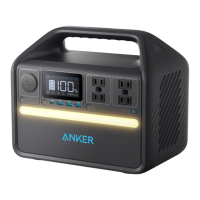
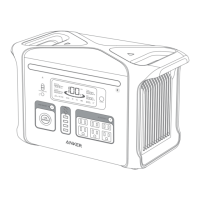
9
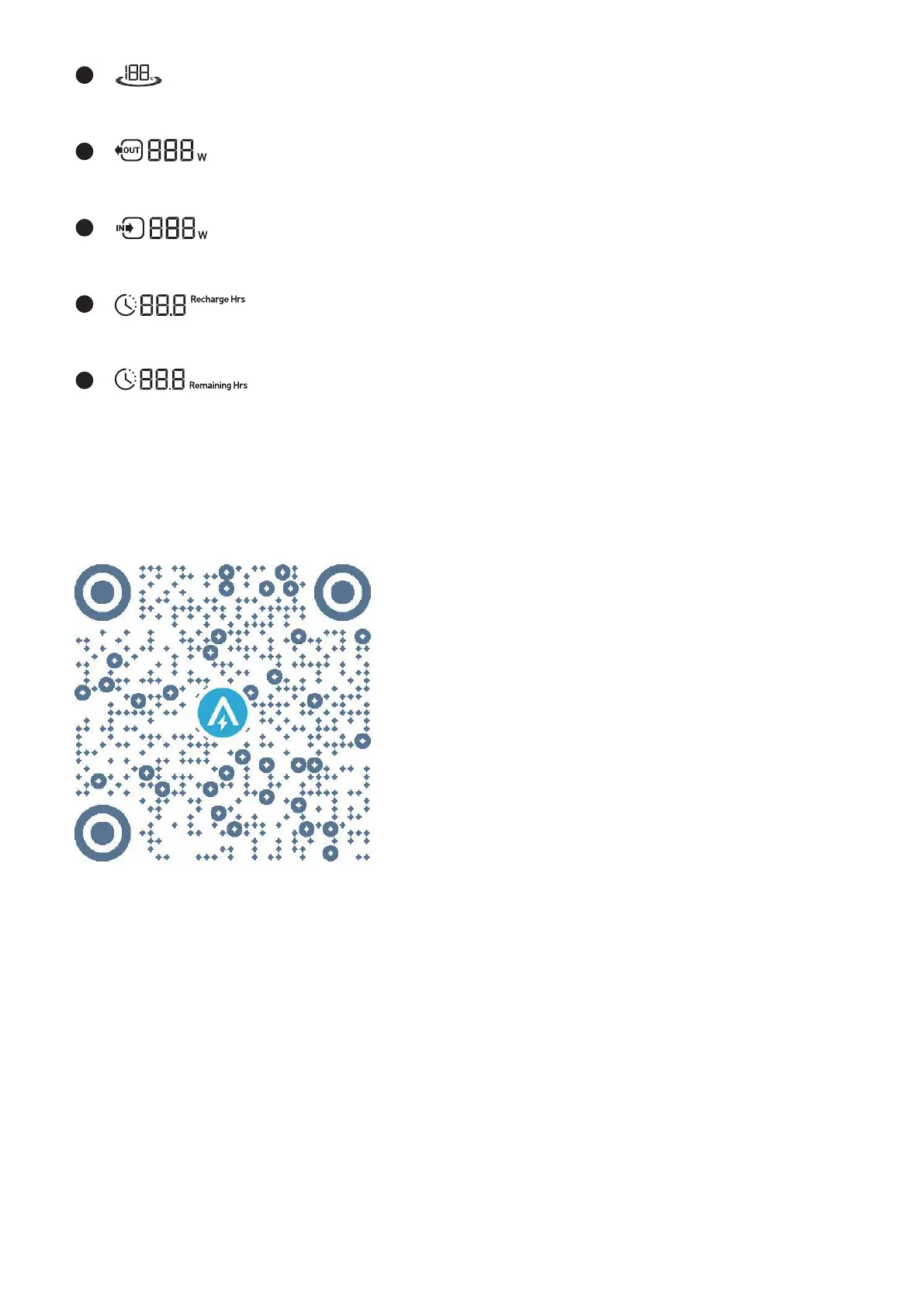
Remaining Battery for Power Station
10
Current Output Power
11
Current Input Power
12
Estimated Time to Fully Recharge
13
Estimated Time for Battery to Deplete
The Anker App for Smart Control
You can remotely control your power station using the Anker app.
1. Download the Anker app from the App Store (iOS devices) or Google Play (Android devices), or by scanning the QR code.
2. Connect the device to a network before using the app for the first time. After connecting successfully, you can connect
your device o-grid.
3. Firmware update: You will be informed once a new firmware version is detected when you connect the power station to
the app. During the update, ensure the power station is AC charged and connected to Wi-Fi or Bluetooth.


 To Next Page