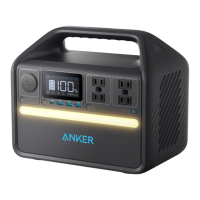
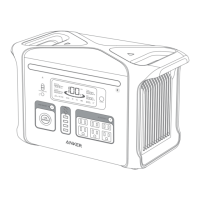
2. Connect the device to a network before using the app for the first time. After connecting successfully, you can connect your device off-grid.
3. Firmware update: You will be informed once a new firmware version is detected when you connect the power station to the app. During the update, ensure
the power station is AC charged and connected to Wi-Fi or Bluetooth.
FAQ
Q1: What is the max power output of the AC output ports?
The AC output ports can deliver a maximum of 300W rated power to connected devices. It can also support up to 600W with SurgePad™.
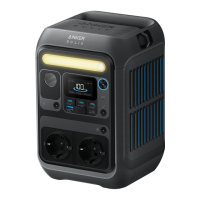
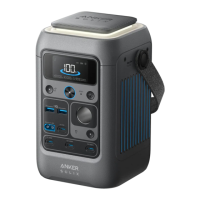
Q2: Can Anker SOLIX C300 Portable Power Station power a CPAP machine?
Yes.
Q3: What should I do when using a solar charger to charge Anker SOLIX C300 Portable Power Station?
The solar input supports an 11-28V solar charger with an XT-60 connector. We recommend using Anker 100W/60W Solar Panel for the best compatibility.
Q4: Can the USB-C ports be used to charge Anker SOLIX C300 Portable Power Station (input only) or are they output only?
The USB-C1 and USB-C3 ports are output only. The USB-C2 supports output and input.
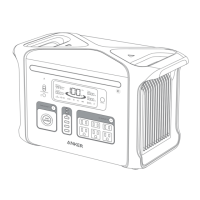
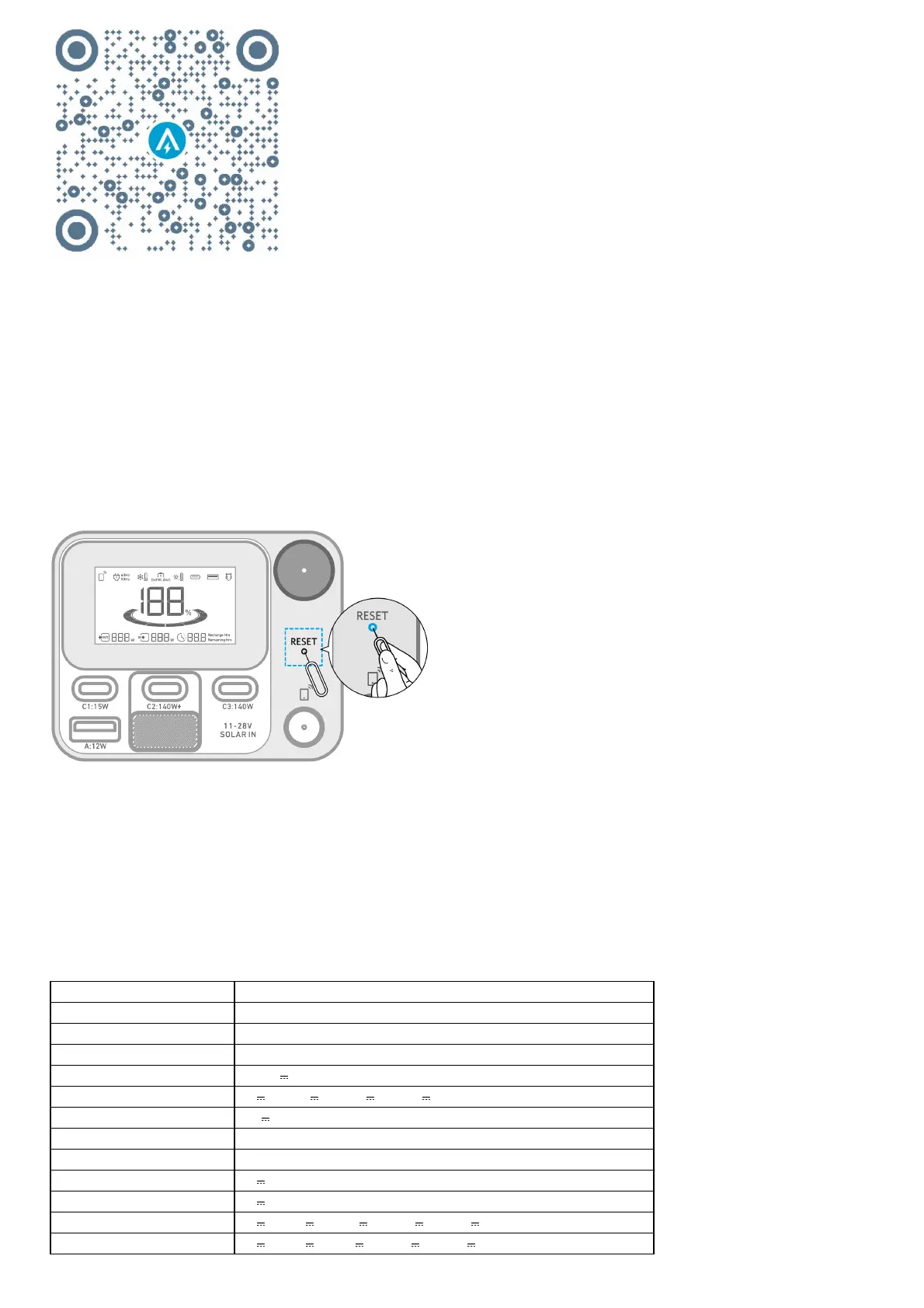
Q5: How do I reset Anker SOLIX C300 Portable Power Station?
If your power station isn't working correctly, insert a paper clip or pin into the reset hole for 1 second for a factory reset. If the power station still doesn't
work, please contact support@anker.com.
Q6: Why is the power station not working after it hasn't been used for a long time?
If the power station is stored at a low capacity for a long time, lithium batteries will self-consume power which may lead to a quick discharge. This often
leads to poor conductivity and a reduced battery lifespan that causes the battery not to work.
Q7: How should I store and maintain the power station?
When storing your portable power station, please make sure that you:
1) Turn off the main power button.
2) Store the power station in a dry and cool environment.
3) Check the remaining battery capacity each week. If the battery level is below 30%, fully charge the power station. Don't forget to charge it to 100% once
every 3 months.
Q8: Does the power station have to be used upright?
Yes, the product needs to be used and stored upright.
Specifications
Cell Capacity 288Wh
AC Input Voltage 220V-240V~ 2.0A Max, 50Hz/60Hz, L+N+PE
AC Input Power (Charging) 330W Max
AC Input Power (Bypass Mode) 380W Max
Solar Panel Input 11-28V 8.2A (100W Max)
USB-C2 Input 9V 3A / 15V 3A / 20V 5A / 28V 5A (140W Max)
Car Charger Output 12V 10A
AC Output (Inverter Mode) 230V~ 1.31A, 50Hz, 300VA/300W Max
AC Output (Bypass Mode) 220V-240V~ 1.37A, 50Hz/60Hz, 300VA/300W Max
USB-A Output 5V 2.4A (12W)
USB-C1 Output 5V 3A (15W)
USB-C2 Output 5V 3A / 9V 3A / 15V 3A / 20V 5A / 28V 5A (140W Max)
USB-C3 Output 5V 3A / 9V 3A/ 15V 3A / 20V 5A / 28V 5A (140W Max)


 To Next Page
 Loading...