EN 5049 EN
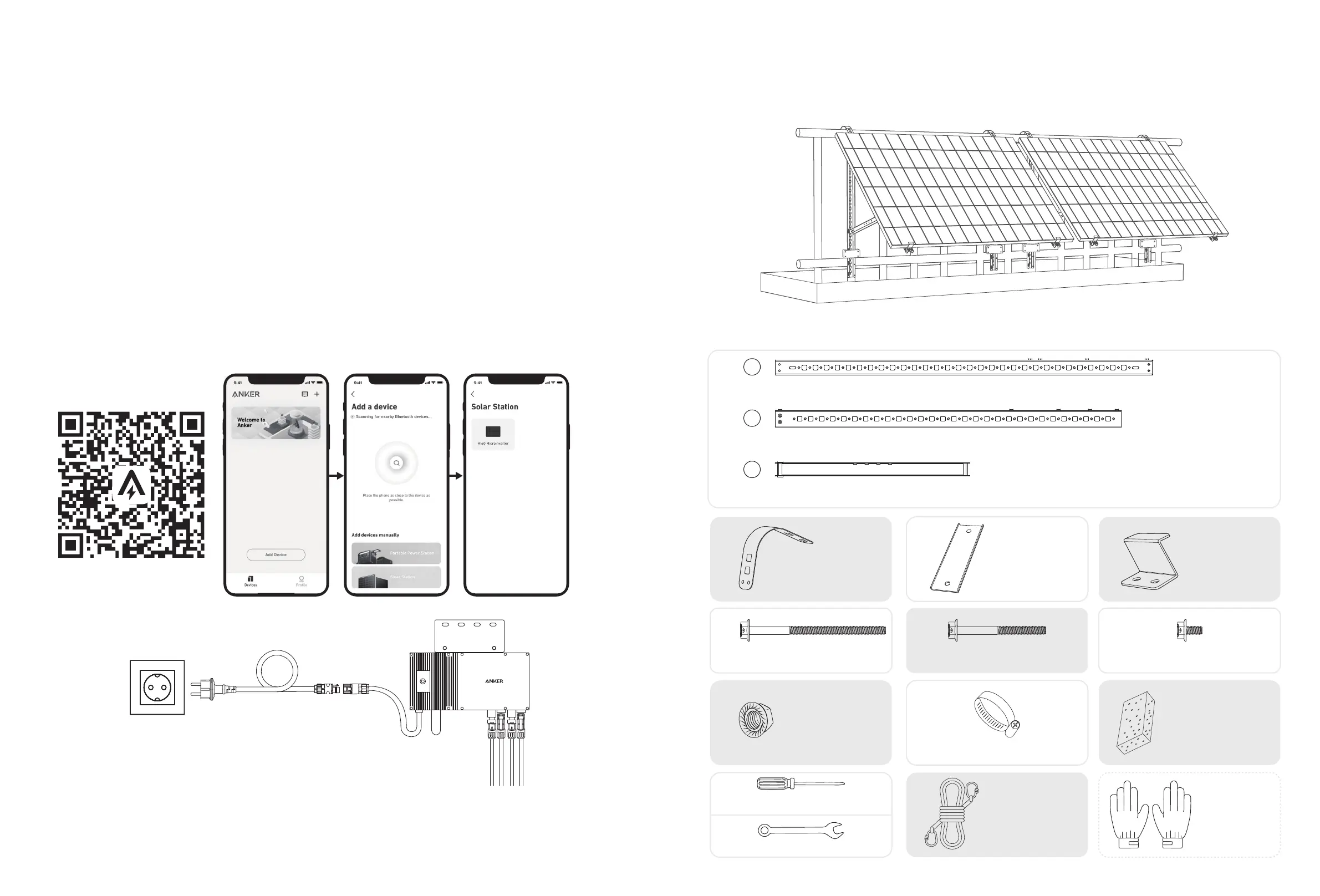
On a Balcony (Below 1.2m/3.9ft)
• Make sure the solar panel can extend over the balcony railing.
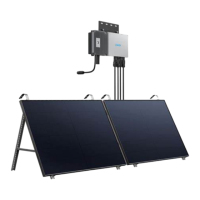
• Solar system modules weigh 90kg (198.41lb), so make sure your balcony can support them.
Option 1: 30°, 35°, 40°, and 45° Inclination Angles
What You Need
HG I
Solar Panel Support Beam (×4)
Vertical Support Scaolding (×4)
Lower Support Beam (×4)
D
E
F
J
K
L
U-Shaped Rack (×4)
M6×100 Hexagon Flange Bolt (×16) M6×65 Hexagon Flange Bolt (×12) M6×12 Hexagon Flange Bolt (×24)
Fastening Clamp (×8)
Limit Support (×4)
M6 Flange Nut (×20) 304 Stainless Steel Hose Clamp (×10)
Silicone Buer Pad (×4)
C
mm
618
B
mm
110 0
A
mm
1200
M
N
O
Phillips Screwdriver
Hexagon Wrench
Mounting Auxiliary Rope Work Gloves
(Not included)
10. Download the app, and follow the in-app instructions to finish the microinverter configuration and Schuko cable connection.
① Scan the QR code on the microinverter or search "Anker" on the App Store, Google Play, or other ocial application
stores to download the app.
②
Tap Add Devices/"+" > Add a Device > Solar Station > MI60 Microinverter.
③ Sign up/log in to your Anker account.
④ Select your home's Wi-Fi SSID, enter the password, then click the "Next" button. You will be directed to the device's
Wi-Fi Guidelines page.
⑤ Read the guidelines, then click the "Connect to Device's Wi-Fi" button. You will be redirected to the Wi-Fi pairing list of
your devices.
⑥ Pair the microinverter's SSID (named MI-XXXXXXXX) on the Wi-Fi pairing list with your device. The default password is
12345678.
⑦ Return to the Anker app. A scanning page will be displayed; wait for a while.
⑧ If you are redirected to the No Devices Found page, press the "Retry" button, then follow the instructions to unplug all
solar panel extension cables from the microinverter. Then repeat steps 9 and 10 (excluding the download and login
operations).
⑨ If you are redirected to the Distribution Network Inspection page, you can connect the microinverter to your home
grid via the Schuko cable.
Status Check:
I. If the LED light on the microinverter flashes green slowly (on for 1 second, then o for 1 second), it means the Wi-Fi connection is
successful. Move on to step 11.
II. If the LED light on the microinverter flashes orange slowly (on for 1 second, then o for 1 second), it means that communication
and connection have failed. Unplug the Schuko cable from your home grid, then unplug all solar panel extension cables from the
microinverter to disconnect. Repeat steps 9 and 10 (excluding the download and login operations).
5m
11. You will receive data from the balcony solar power system on your Anker app after 20 minutes.
Note: According to the government's regulations and to ensure safety, the microinverter can only start working after connecting to a
powered grid for 5 minutes. To improve the accuracy of the data, the system will verify and validate it for 15 minutes before showing
it on the app.


 To Next Page
 Loading...