Saving Radio Presets
1.
2. To manually set a preset, tune to the desired frequency (see above steps).
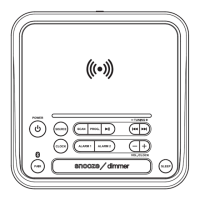
3. Press and hold the Prog button. The display will begin ashing a preset. Ex: "P01".
4. Press the Tuning +/− buttons to select the preset to be saved. (P01 to P20).
5. Press the Prog button to save that preset.
6. To cycle through presets, press the Prog button, then the Tuning +/− buttons to select.
Tuning the FM Radio
1. Press the Power button to turn the unit on.
2. Press the Source button to switch to Radio mode, then press the Tuning +/− buttons
to select the desired frequency, or press and hold to quickly scan the frequencies.
FM RADIO
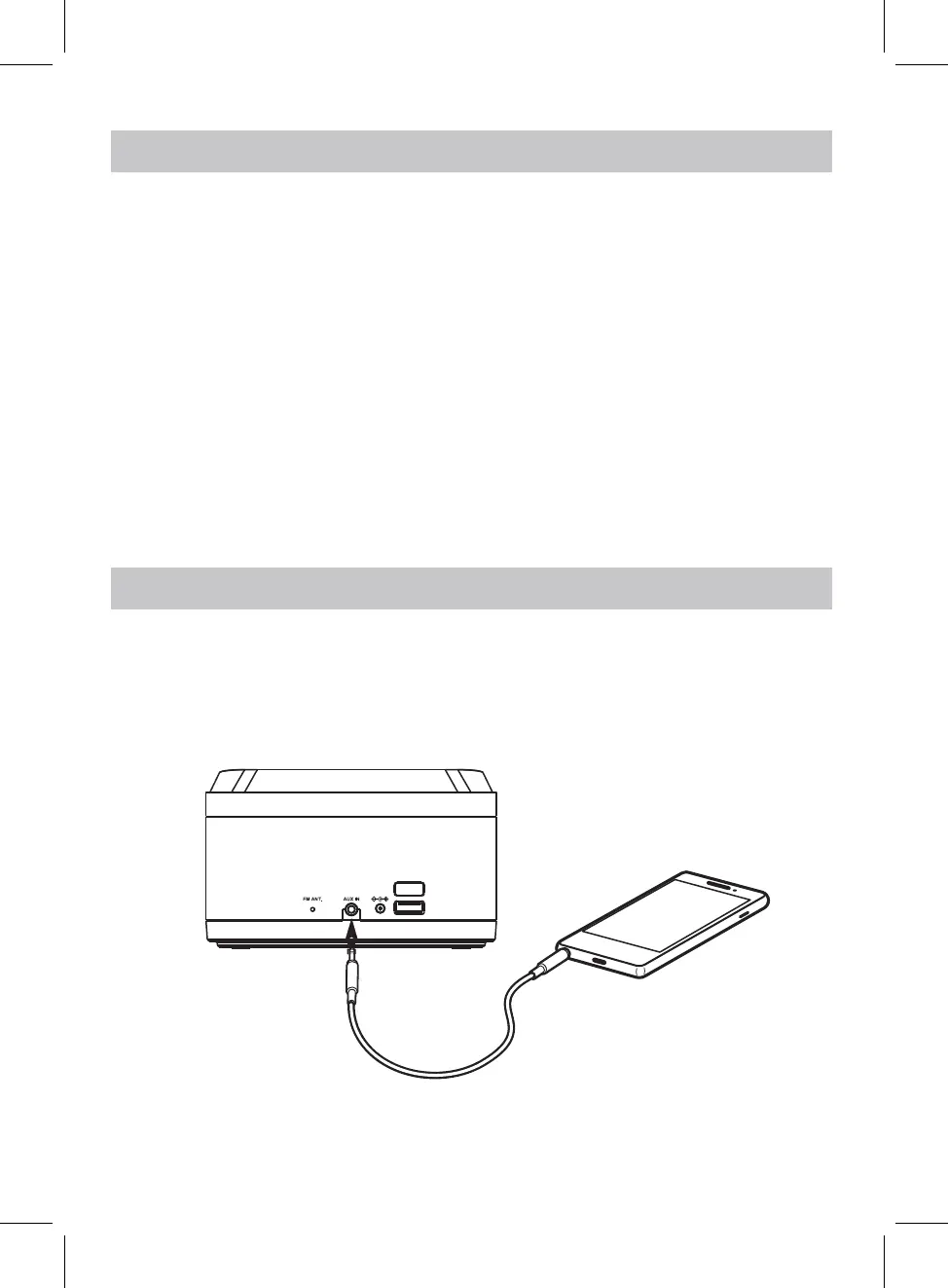
AUX IN
Requires a 3.5mm audio cable (not included).
1. With the unit powered ON, connect a 3.5mm audio cable to the Aux In on the rear of
the unit and the audio output on an audio device.
2. Press the Source button to select Aux-In Mode. Use the controls on the connected
device to play your audio through the unit.
9
Smartphone
Charging port
DC 5V 1A
DC 12V
Press and hold the
Scan
button to automatically scan and set radio presets.


 To Next Page