Press to enter temperature setting mode to change
cooking temperature
Press to enter time setting mode to change cooking time
Use to increase/ decrease cooking temperature or time
Press to turn OFF the cooker.
Press to turn ON the cooker.
1. Remove all parts of the Multi-function Air Fryer from the packaging.
2. Wash the inner pot, frying basket, steam rack and steam shield. Wash with warm water
and mild detergent.
3. Completely dry the inner pot before placing into the main unit.
4. Place the Multi-function Air Fryer on a flat, level surface.
Using as Multi-Cooker
In this cooking mode, only bottom heating plate is heated.
Steam Shield must be installed, and lid is closed during cooking.
Installing the Steam Shield
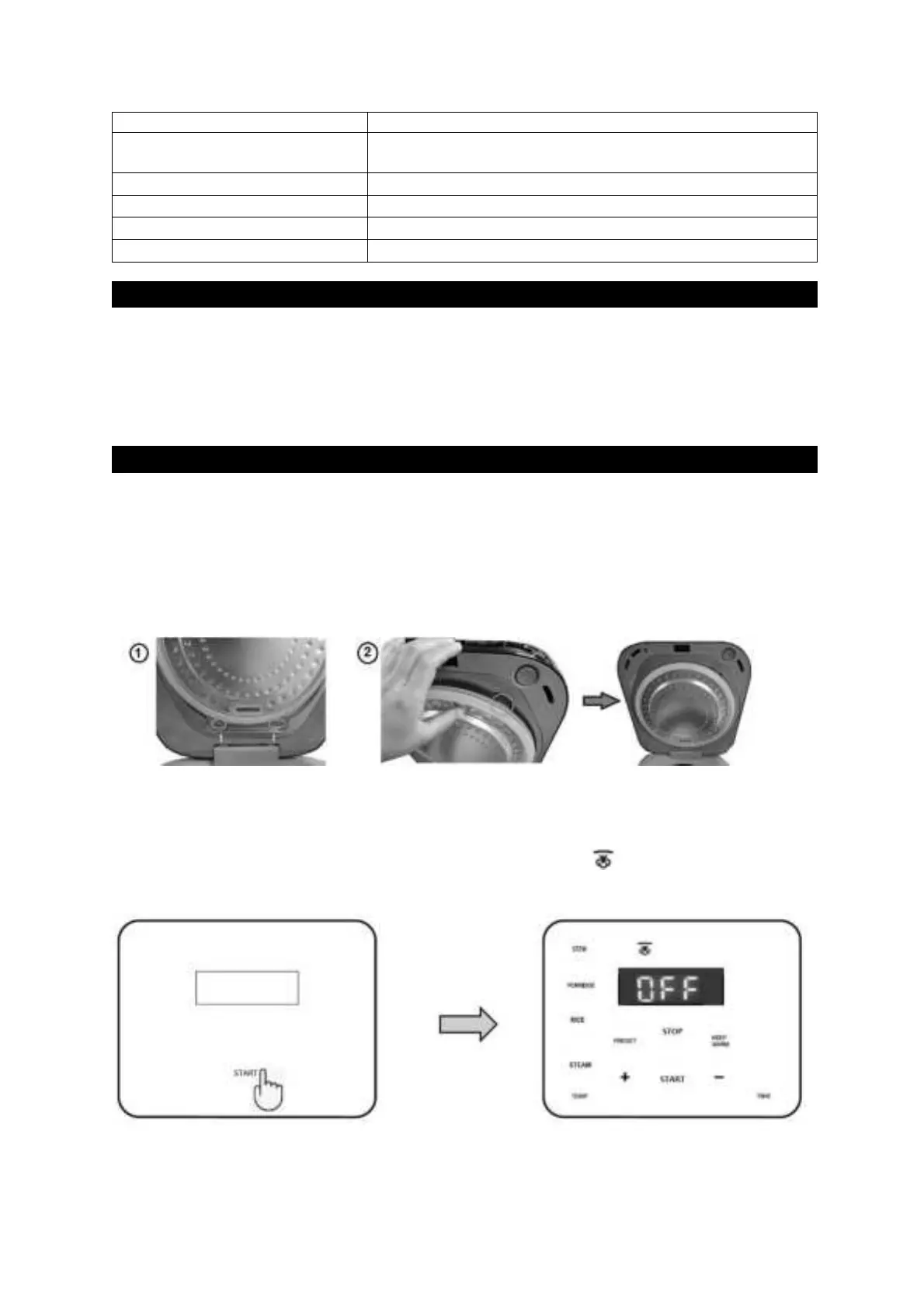
Align the bottom of STEAM SHIELD to the recess of the lid, then press down firmly on top until
the clip shuts. Make sure the STEAM SHIELD will not fall off before powering on the cooker.
1. Install the Steam Shield.
2. Connect the appliance to the power socket outlet. A ‘beep’ will sound, and the cooker is in
Standby mode,
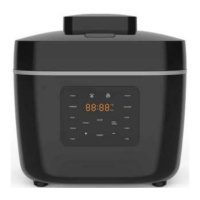
3. Press START to turn ON the cooker. Multi-cooking indicator illuminates and
corresponding multi-cooking menus are shown on control panel.
4. Select desired auto menu to start cooking.
5. There are 4 auto menus for multi-cooking mode. Below table shows cooking Times of
each auto menu for reference. There is no temperature adjustment in this mode.


 To Next Page