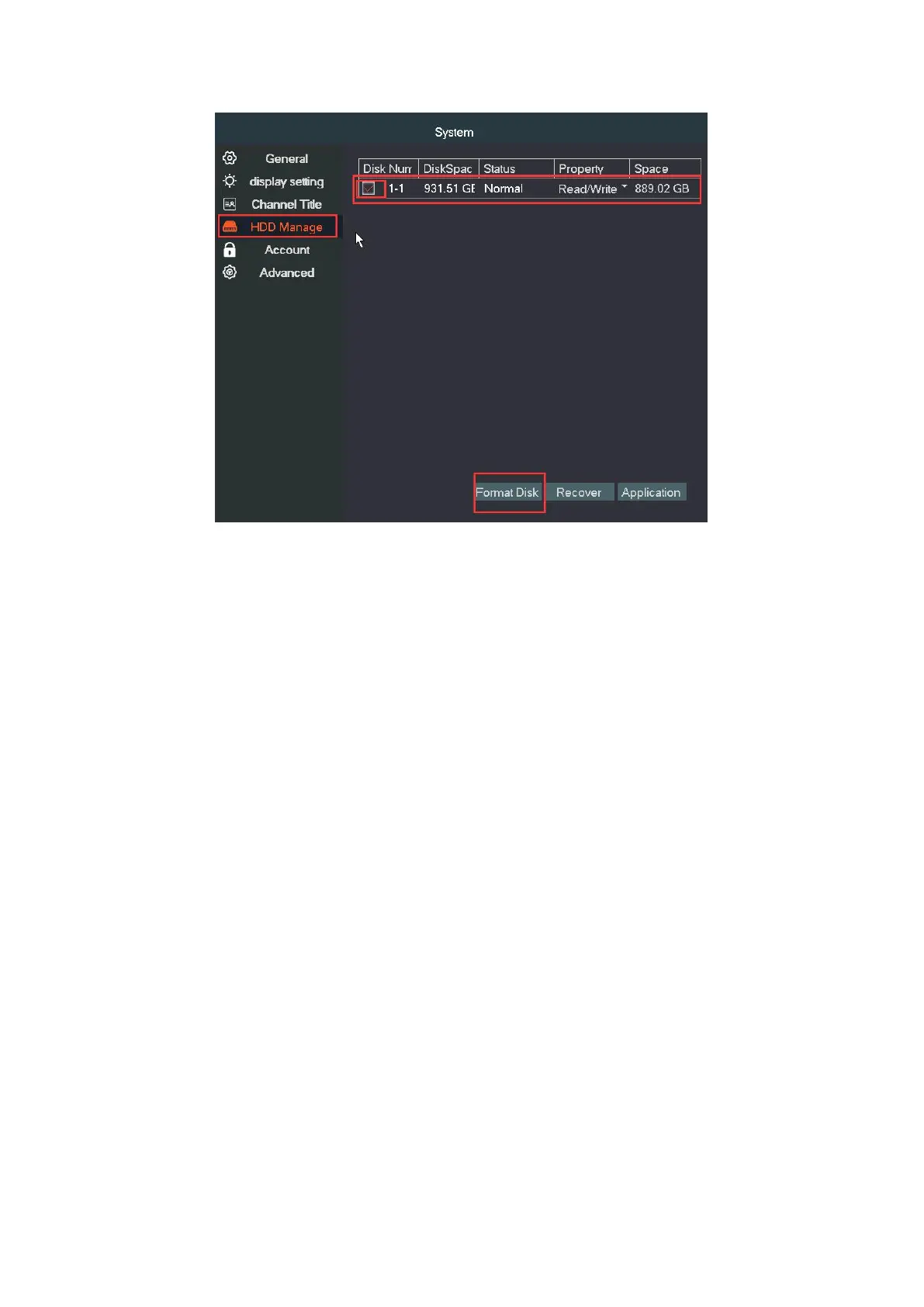
②. System without preinstalled hard drive
Please refer to FAQ#Q1 to install the SATA hard drive and format it.
After it's done, the system will record automatically.
③. Record setting
The DVR needs to install a hard drive disk for recording. Without hard
drive, the system can show live viewing, but can’t record, playback
neither.
Right click→Main Menu→Record→Record→Set channel, Length, Period
Etc. →OK.
Channel:Choose the corresponding channel number. Choose "ALL" to
set the entire channels.
Length: Set the time length of each video file between 1 min to 120min.
(60 minutes is default value)
Manual: Corresponding channel starts recording 24hours non-stop.


 To Next Page