2.1 Preparation Before Use
2-9
2
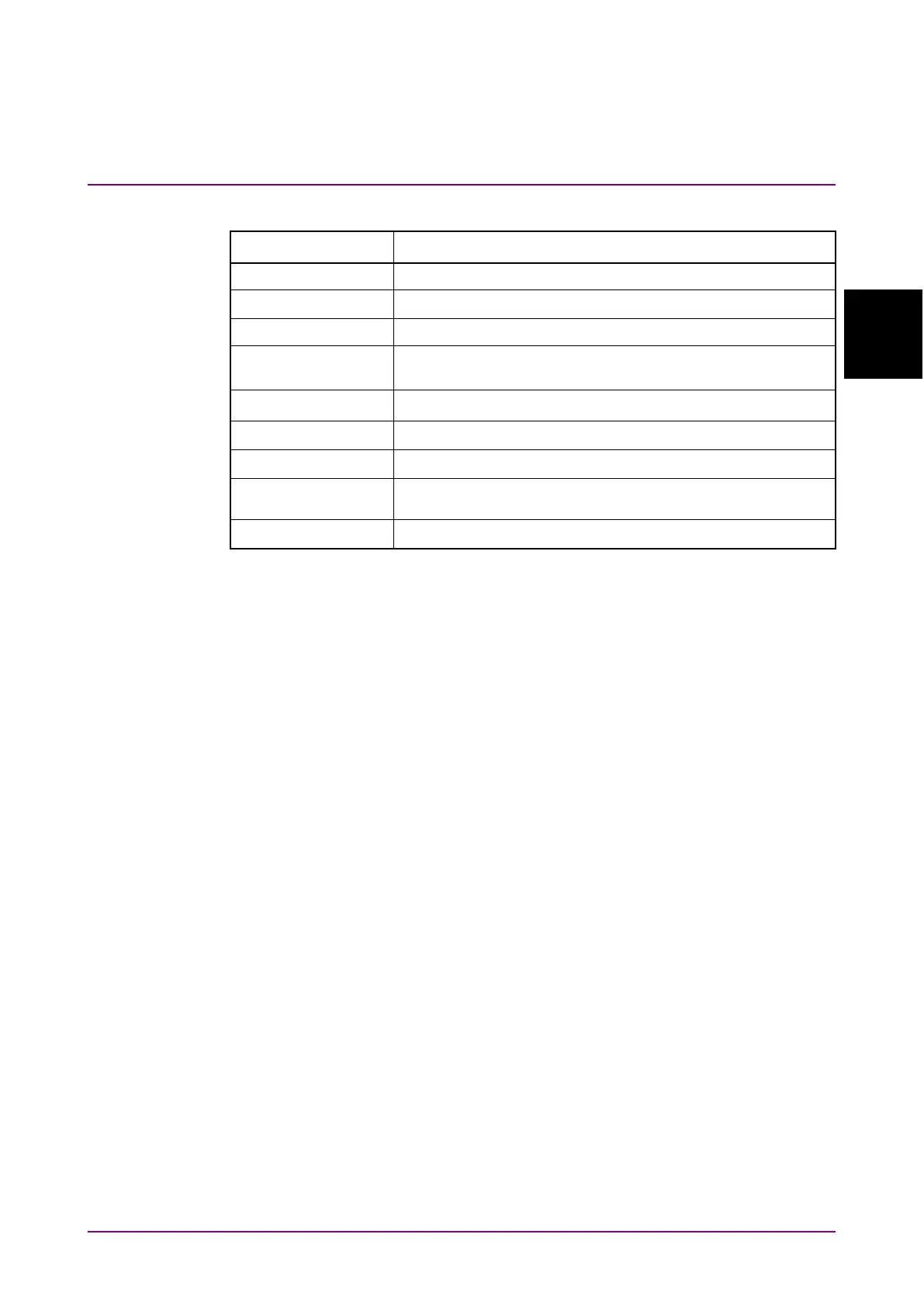
Table 2.1.4-2 Required Specifications for Control PC (For Windows 7)
Item Specifications
1 GHz or faster 32-bit (x86) or 64-bit (x64) processor
Windows 7 Professional/Enterprise/Ultimate
32-bit: 1 GB RAM
64-bit: 2 GB RAM
Monitor resolution 800 × 600 dots or more
Display color ≥ 256 colors
Required when installing the software package
Required free disk space for installing the software
package: At least 200 MB
The MP1862A will not operate normally when performing the following
operations and functions on the PC while the MX180000A is operating.
(1) Running another application at same time
(2) Closing lid of laptop PC
(3) Running screen saver
(4) Running battery save function
Read the PC instruction manual to switch off the screen saver and
battery save functions described in items (3) and (4) above.
Note:
Operation is not assured even with PCs meeting the specifications
outlined in Table 2.1.4-1 or Table 2.1.4-2.



 To Next Page