Chapter 4 Window Operations
4-24
4.8.1 Eye Diagram Screen (Condition Tab)
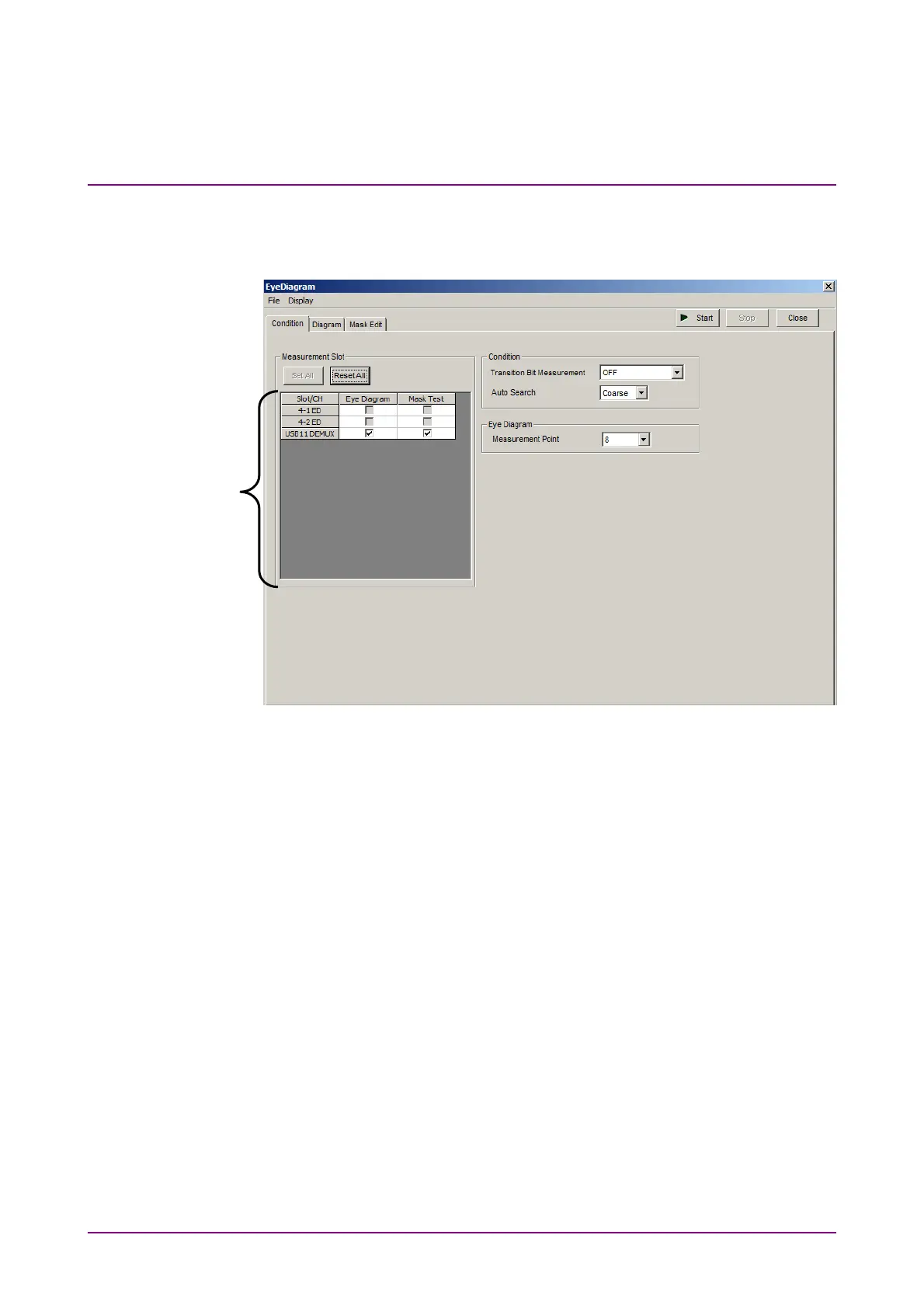
Figure 4.8.1-1 shows the Condition tab.
Figure 4.8.1-1 Condition Tab
[1] Select the check box for the USB number you want to measure.
To use Eye Diagram, refer to Section 5.11 “Eye Diagram
Measurement” in the
MU183040A/B Operation Manual
.
[1]



 To Next Page