74
batteries with the correct polarity.
3. Replace the battery cover.
FIG. 21
IMPORTANT:
• Do not mix old and new batteries, or
dierent types of batteries.
• Remove the batteries if the air
conditioner is not going to be used for 2
months, or more.
• Recycle used batteries in accordance
with local regulations.
• All programmes are deleted when the
batteries are taken out and the remote
control must be reprogrammed.
Functions
1. TEMP DOWN
Reduces the set point temperature in steps of
1°C down to 30 °C, or in steps of 2°F down to
88°F.
2. TEMP UP
Increases the set point temperature in steps of
1°C up to 17 °C, or in steps of 2°F up to 62°F.
3. MODE
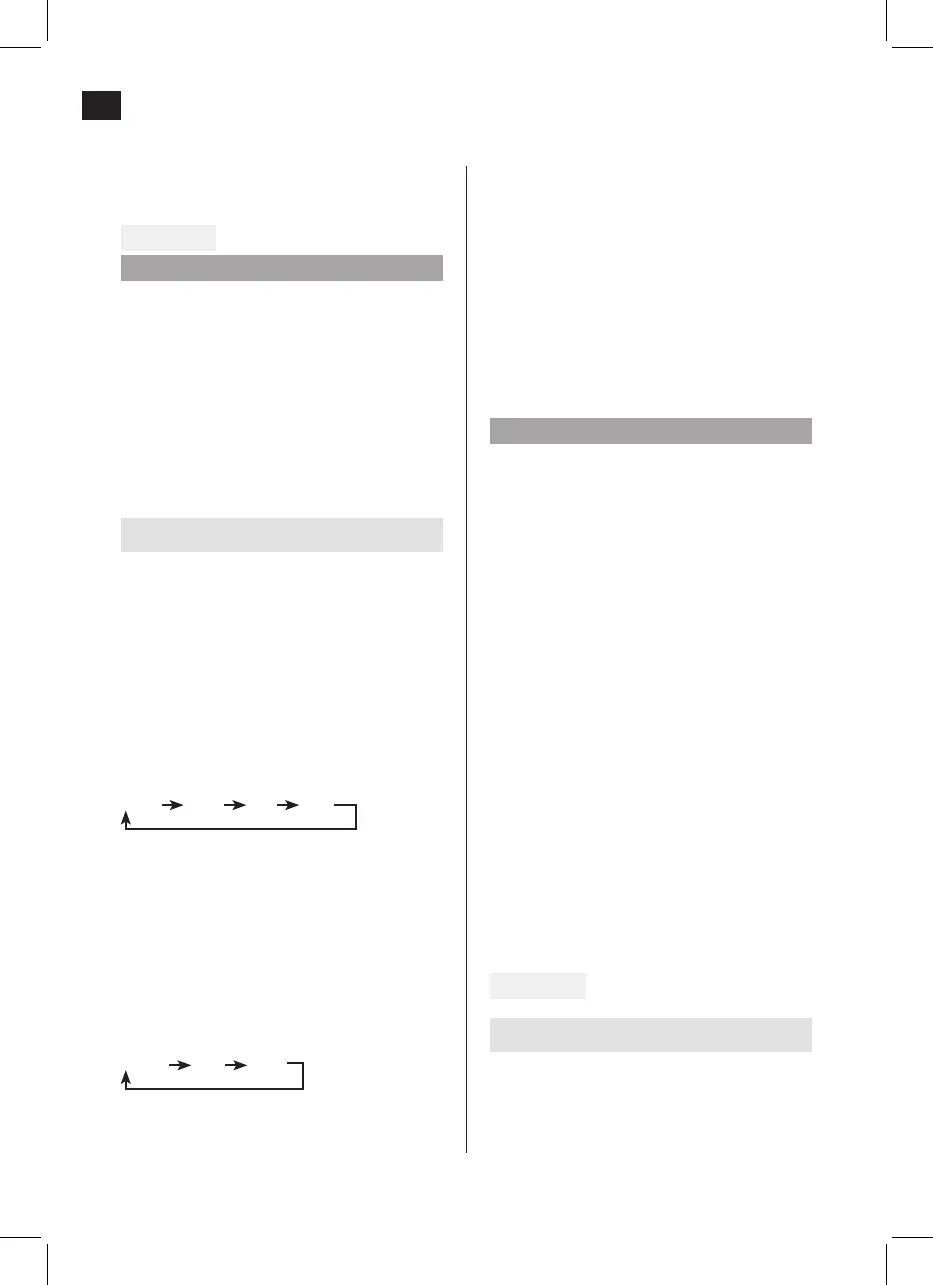
Switches between modes in the following
order:
AUTO COOL DRY FAN
4. RESET
Resets the remote control to default. All the
settings made are lost.
5. Switch
Starts and switches o the air conditioner.
6. FAN SPEED
Switches between speed settings:
AUTO Low High
7. TIMER ON
Press to activate the setting of start delay. Each
time you press the button the setting increases
in steps of 0.5 hours up to 10 hours and steps
of 1 hour from 10 to 24 hours. Cancel this
function by setting the time to 0.0.
8. ECONOMY (SLEEP)
This function produces a comfortable
temperature and saves energy when you are
sleeping. The function can only be used in
COOL, HEAT and AUTO mode.
NOTE:
If the air conditioner is in ECONOMY mode
this is interrupted if the ON/OFF, FAN SPEED,
ECONOMY or MODE button is pressed.
9. TIMER OFF
Press to activate the setting of stop delay. Each
time you press the button the setting increases
in steps of 0.5 hours up to 10 hours and steps
of 1 hour from 10 to 24 hours. Cancel this
function by setting the time to 0.0.
10. LOCK
Press this depressed button to lock the actual
settings. The remote control does not respond
to pressing any other buttons than LOCK.
This function is used to prevent unintentional
changes. Press the button again to deactivate
the function. When the function is activated
a lock symbol is shown on the display on the
remote control.
11. LED DISPLAY
Press this button to clear the display on the air
conditioner. Press again to activate the display.
FIG. 22
Readings on the display
1. Mode status
Indicates active mode (AUTO, COOL, DRY and
FAN).


 To Next Page