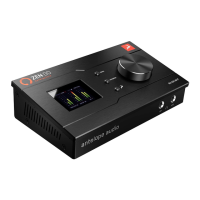
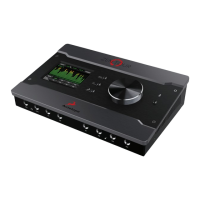
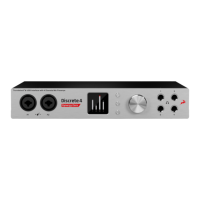
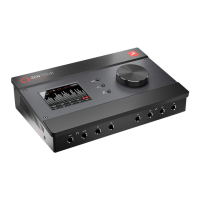
13
7. Mono Button
Changes from Stereo to Mono the current output that is selected by the Main Rotary
Control
8. Antelope Button
Accesses various menus in combination with other buttons.
Antelope button & Mono button: Enters touch screen calibration mode.
Press and hold the Mono button + Mute button before powering on the device:
Factory Reset Combo.
9. Mute Button
Mutes the current output that is selected by the Main Rotary Control
10. 2 Headphone Outputs
Two independently assignable headphone outputs, selectable and controllable via the
main volume control knob.


 To Next Page