A3 PLUS - A5 - A6 PLUS - L6
SURGICAL SINGLE CART
VIEW function.
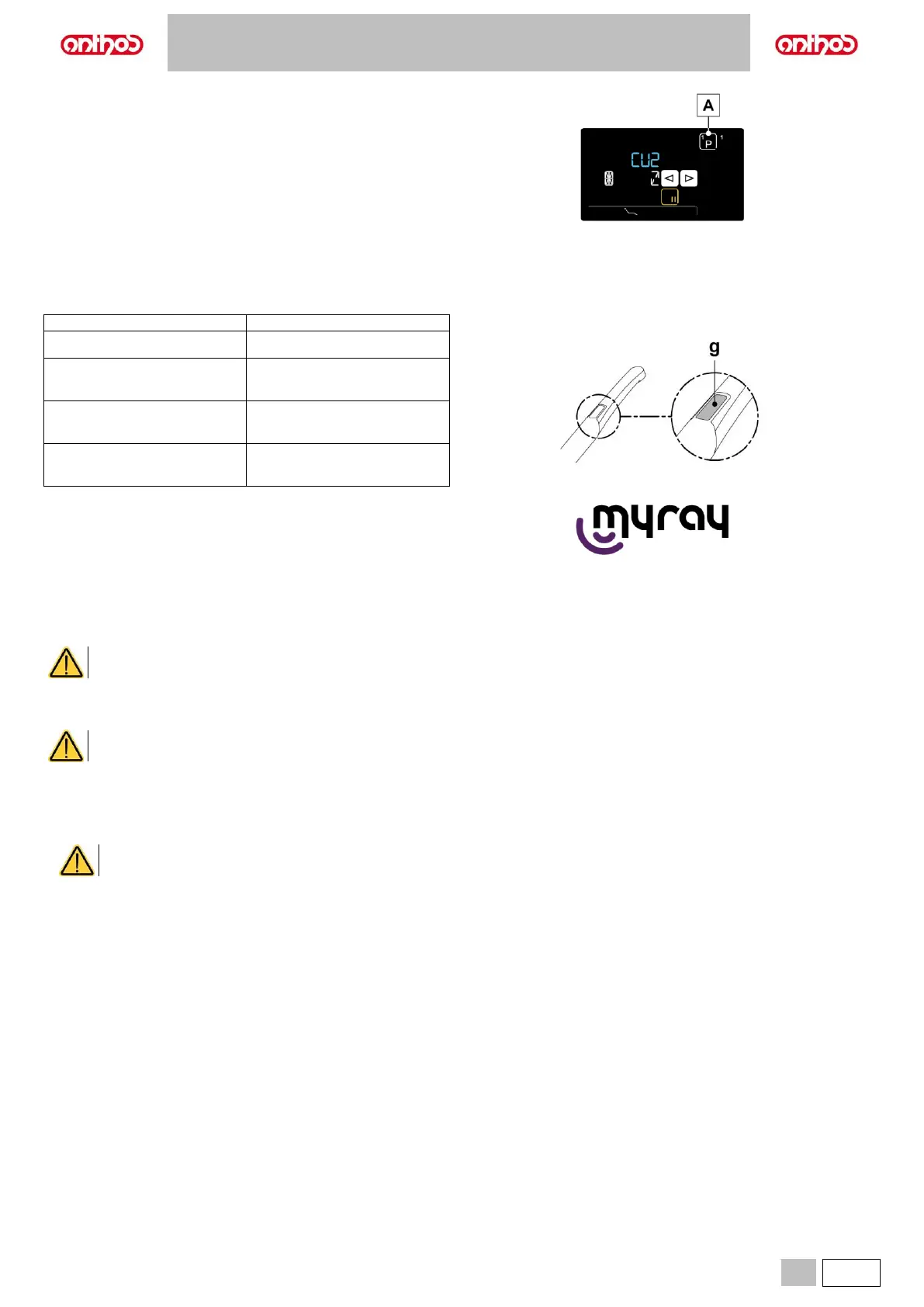
• With the camera in FREEZE mode, by pressing the touch button (A)
repeatedly, you can scroll down the pages with frozen images.
Handpiece status
An optical guide, illuminated by a multicolour LED indicator, found in the area near the control button (g), shows handpiece status as per the table given
below:
Blue light flashes, very slowly
Handpiece activated, live images
displayed
Blue/ light blue flashing light
Handpiece in image freeze
mode
Internal error: contact Technical
Service
MyRay iCapture.
This programme allows the C-U2 camera to be set up when it is
connected to a PC/WORKSTATION.
For a full description on how the MyRay iCapture programme works,
refer to the instructions, in electronic format, supplied with the C-U2
handpiece.
Cleaning and disinfection.
Clean the handpiece with a suitable product after each use: refer to paragraph 1.5.
• The camera is not designed for cold immersion sterilization.
• All products must be used as directed by the manufacturer.
Maintenance and repairs.
The C-U2 dental camera does not require any particular maintenance. In the event of malfunctions, please send back the complete handpiece.
There are no parts that can be repaired on site. In the event of a malfunction, please contact an authorised dealer.
Returning parts.
• Please send back any defective devices in their original packaging. Do not reuse damaged boxes.
• The device must be disinfected before being shipped to prevent cross-contamination. Handpieces that have not been adequately cleaned and
disinfected will not be accepted.
The sender shall be held responsible for any equipment damage occurred during shipment regardless of whether or not the
devices are under warranty.



 To Next Page