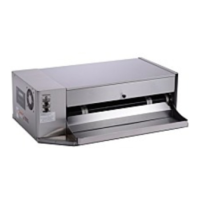
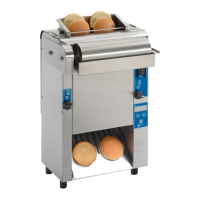
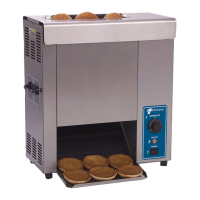
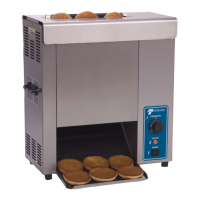
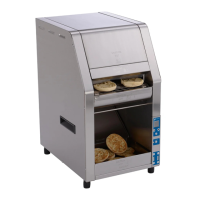
HEBT-3V BUN TOASTER
7
P/N 1011328 Rev. I 04/18
McDonald’s
OPERATION
4. Press the PROGRAM button to proceed to the
Front Heater Setpoint Temperature.
5. To adjust the Front Heater Setpoint Temperature,
press the LIGHTER or DARKER buttons to reach
the desired temperature.
NOTE: The recommended temperature setting for
the front Platen is 271° C (520° F).
6. Press the PROGRAM button to procedure to the
Motor Speed Setpoint.
7. Adjust the Motor Speed Setpoint by pressing
the LIGHTER or DARKER buttons to reach the
desired speed.
NOTE: The Motor Speed is adjustable from 1-100.
The recommended setting is 75. Setting 75 = 17
second pass through. Setting 66 = 22 second pass
through.
8. Press the PROGRAM button to proceed to the
Temperature Units.
9. To change the Temperatures units from
Fahrenheit or Celsius, press the LIGHTER or
DARKER buttons.
10. Press the PROGRAM button to proceed
to the Ambient Temperature of the Control
Compartment.
NOTE: No changes can be made to the Ambient
Temperature of the Control Compartment.
Temperatures under 150° F (66° C) are acceptable.
11. Press and hold the PROGRAM button to save
any changes.
NOTE: The unit exits Manager Mode after 30 sec-
onds of keypad inactivity.
Safety Features
HI-LIMIT CONTROL
A Hi-Limit Control turns off electrical power to the heat-
ers and control circuits if the unit overheats. To reset
the control:
1. Allow 10 - 15 minutes for the unit to cool.
2. Locate the two Hi-Limit Controls on the rear of the
unit. Remove the two black protective caps.
3. Press and release both buttons. Reinstall the pro-
tective caps.
NOTE: If the Hi-Limit Controls require continuous
resetting, contact your Authorized Service Agency.
Purging buns from Toaster
If buns get stuck in the toaster, press and hold both
the UP and DOWN arrow buttons to increase the belt
speed until the buns are purged from the toaster.
There are variations in bun products Worldwide that are
used on the A.J Antunes HEBT toaster such as mois-
ture content, bun formulations, age, tolerances etc. The
HEBT was designed to compensate for bun variations
by allowing user to adjust the compression, light/dark
(speed) & temperatures settings in order to achieve a
Gold Standard toasted product.
1. LIGHT DARK ADJUSTMENT: Adjust the light dark
setting with the ▲ or ▼ buttons. The default light/
dark setting on the HEBT from the factory is 0 but can
be adjusted from Lighter 0-10 to Darker 0-10. Light
10 is the lightest setting and dark 10 is the darkest.
Each increase in “lighter” value will decrease the pass
through time and each increase in “darker” value with
increase the pass through time.
2. TEMPERATURE ADJUSTMENT: Adjust the set point
temperature on the platens in the program menu. The
default temperature settings on the HEBT are A Platen:
271°C (520°F) and B Platen: 271°C (520° F) . The tem-
peratures can be increased to +/- 50°F (10°C) if needed
to achieve an acceptable toast quality.
3. COMPRESSION ADJUSTMENT: Adjust the compres-
sion knob on the left side of the unit. The default com-
pression setting on the HEBT is 4 but is adjustable from
1-7. It is acceptable to adjust the compression from 1-7
as needed to achieve the desired toast quality and bun
compression.


 To Next Page
 Loading...