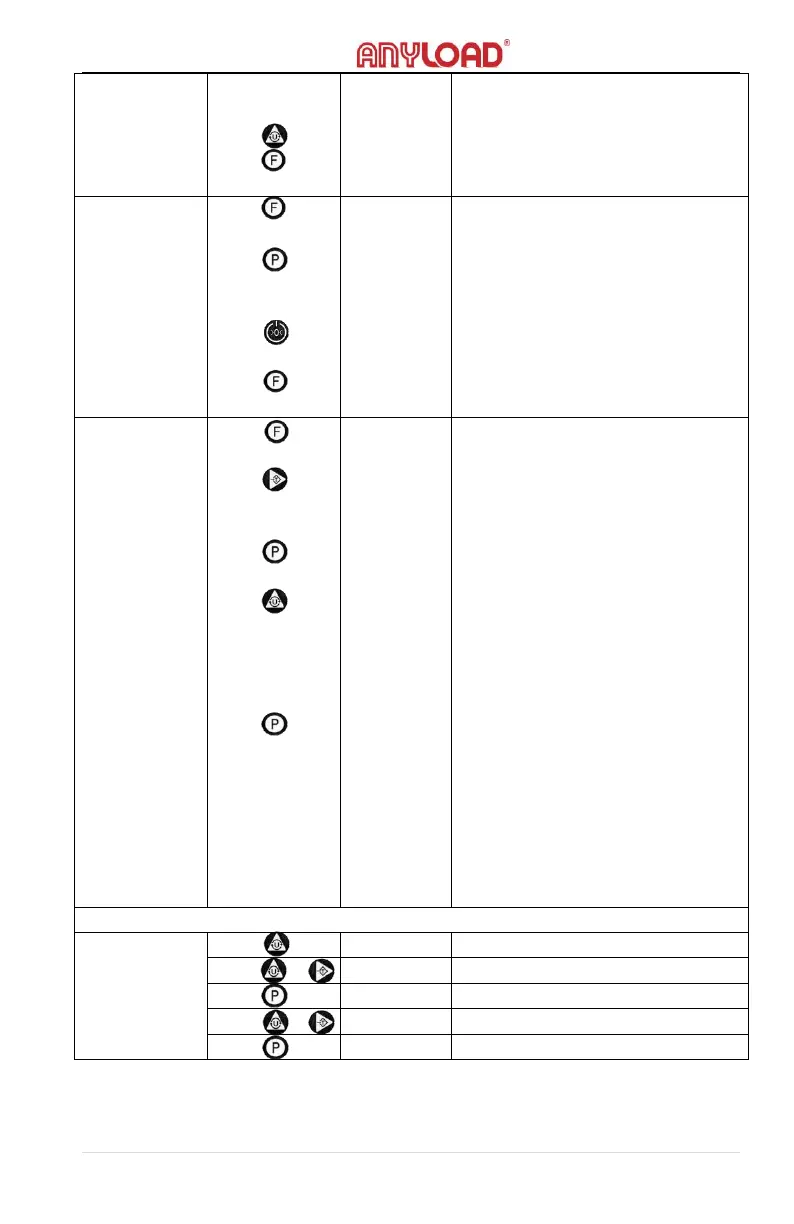
confirm. The PCS indicator will
light on.
-Checking unit weight
-Returning to weighing mode.
“PCS” indicator light will turn off.
-Hold mode
-With the load on the scale, press
the Print key to activate the Hold
function
-Release the held weights, return
to hold mode
-Exit the hold mode and will return
to weighing mode
-Accumulation function
-Press Tare key to select either 1 or
2: 1. Manual accumulation; 2.auto
accumulation
-Press the Print key to confirm
entering the accumulation mode
-Press the Unit key to display the
cumulative number of times,
display the cumulative weights
after 2 secs., and return to
accumulation mode
- In 1 mode, the cumulative value
is printed after the weight is
stable. In 2 mode, printing is
automatic once the weight is
stabled. When the indicator is shut
off, the stored cumulative value is
cleared out and will return to
weighing mode.



 To Next Page