6 | ANYLOAD NPS Series Pallet Jack Scale Operator’s Guide (V1906) – T15E v2 series indicator
4.7 Operating the Scale
Plug in the
specified
external
power supply
to a 100-
240VAC
source
[CHArGE]
[- - - - -]
[Pbt XX]
[-End-]
- charging
- charging on progress
- displays charge capacity
- charging ended
[-t15E-]
[Ver2.04]
[19-06-10]
[09.38]
[Pbt 85]
[8. 8. 8]
[ 0.0]
-Indicator model
-Software version
-Current date set (yy-mm-dd)
-Current time set (HH.MM)
-Battery remaining charge (85%)
-Self test
-Weighing state
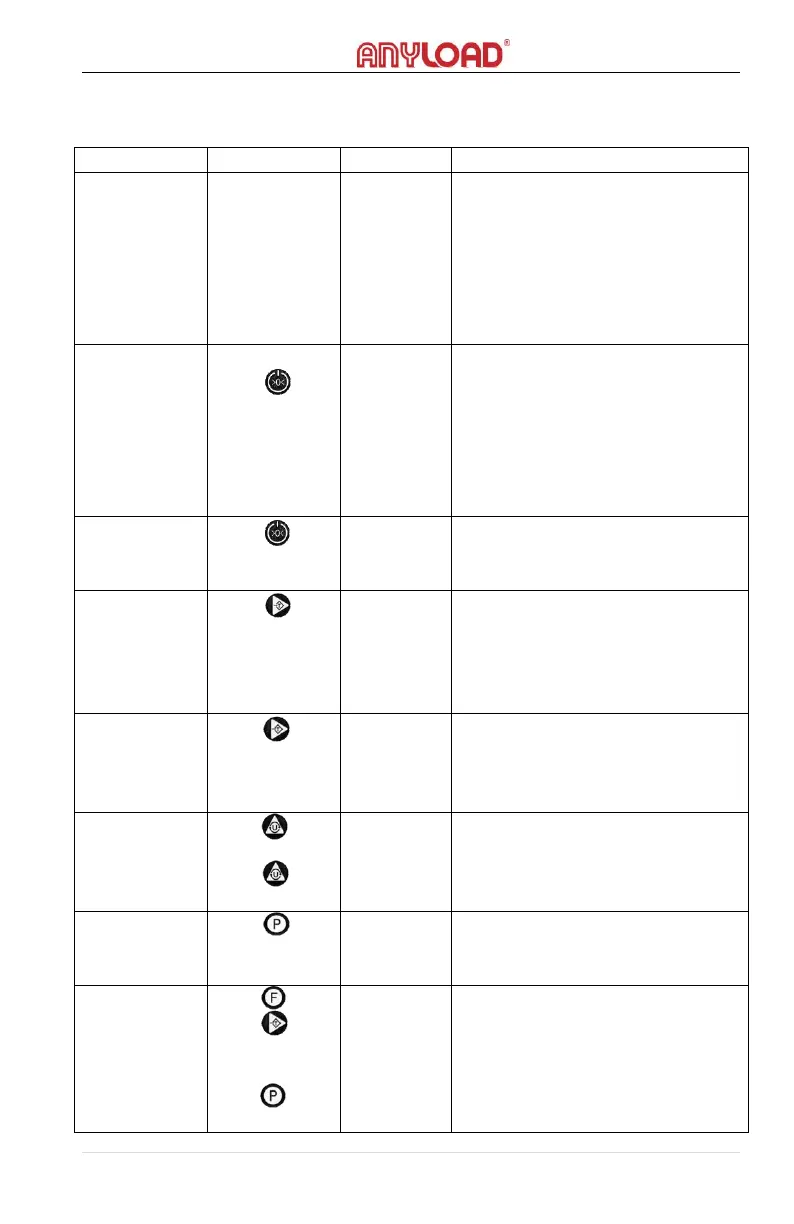
-Weight shall be within 10% of FS
and must be at stable state
-The Zero indicator will light on
[shows
positive
value]
[ 0.0]
-The weight should be more than 0
and not more than the scale’s
capacity, and at stable state
-The Tare indicator will light on,
showing the net weight value
-When tare weight is stored,
pressing the Tare key will remove
the stored tare. The Tare indicator
will light off.
-The lb unit indicator will light on if
it is selected
-The kg unit indicator will light on if
it is selected
-Weight should be greater than
the minimum weighing value and
is at stable
-Counting mode.
-Press the Tare key to browse the
number of samples: 10, 20, 50,
100
-Place the samples, wait to
stabilize then press the Print key to



 To Next Page