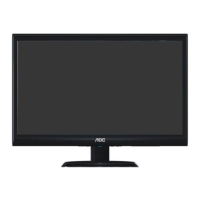
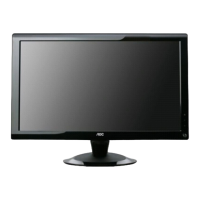
21.5" LCD Color Monitor AOC e2236Vw
72
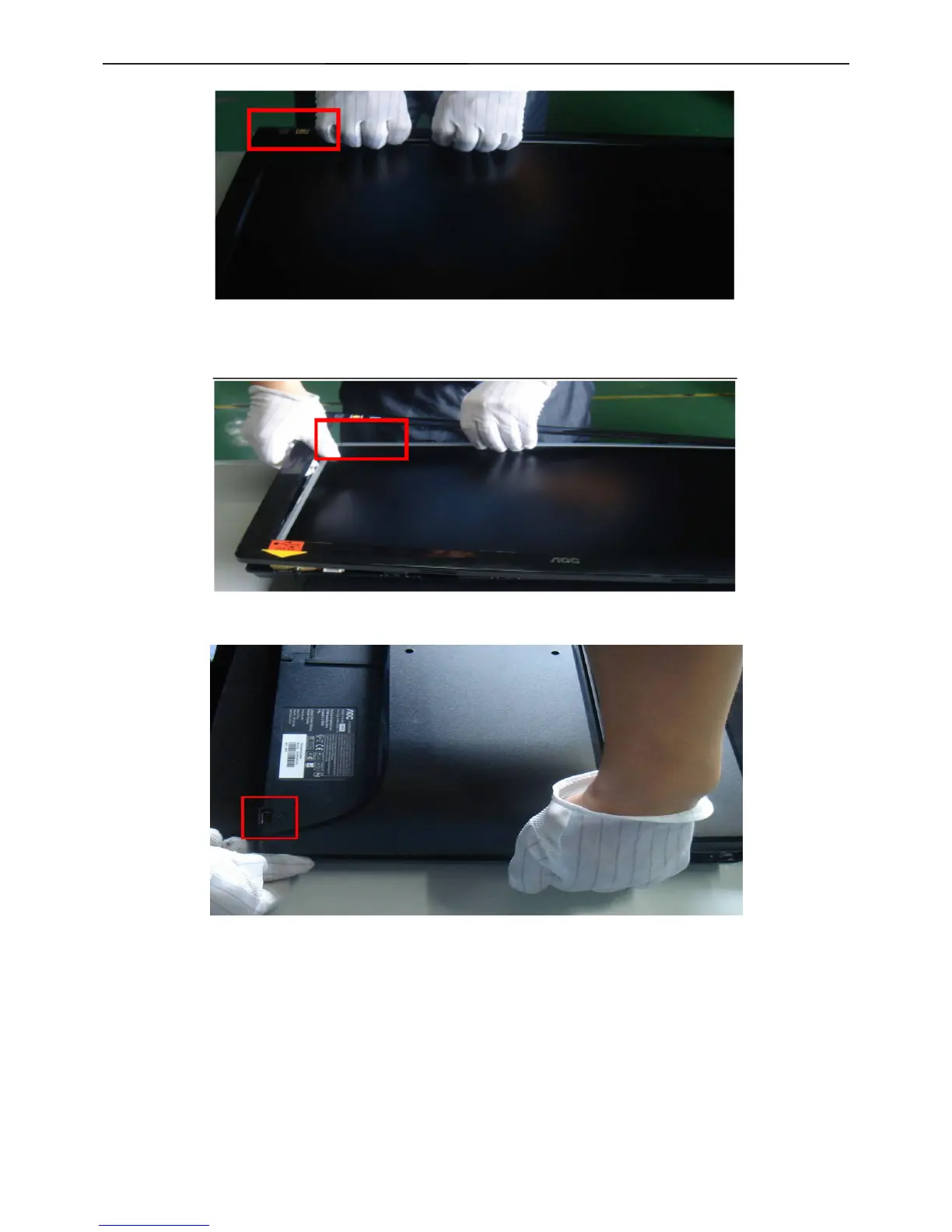
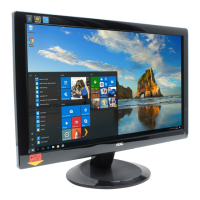
4.Take apart the front frame with hands on the label area.
5.As the center of one side of USB connector, take apart 3 sides and stop. Attention: Do not break off the key pc
side, or pull the front frame forcibly, to avoid the keypad peel off.
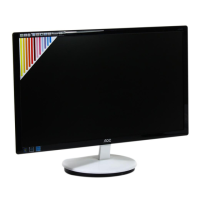
6.Overturn the monitor, on the USB connector area, one hand press the Panel, and use the other to undrawn the
back cover.


 To Next Page