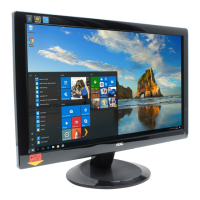
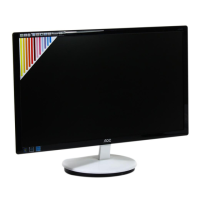
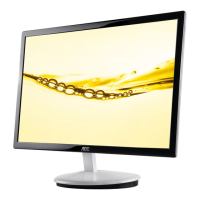
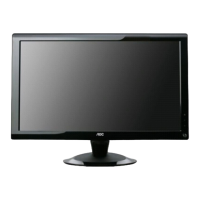
21.5" LCD Color Monitor AOC e2236Vw
73
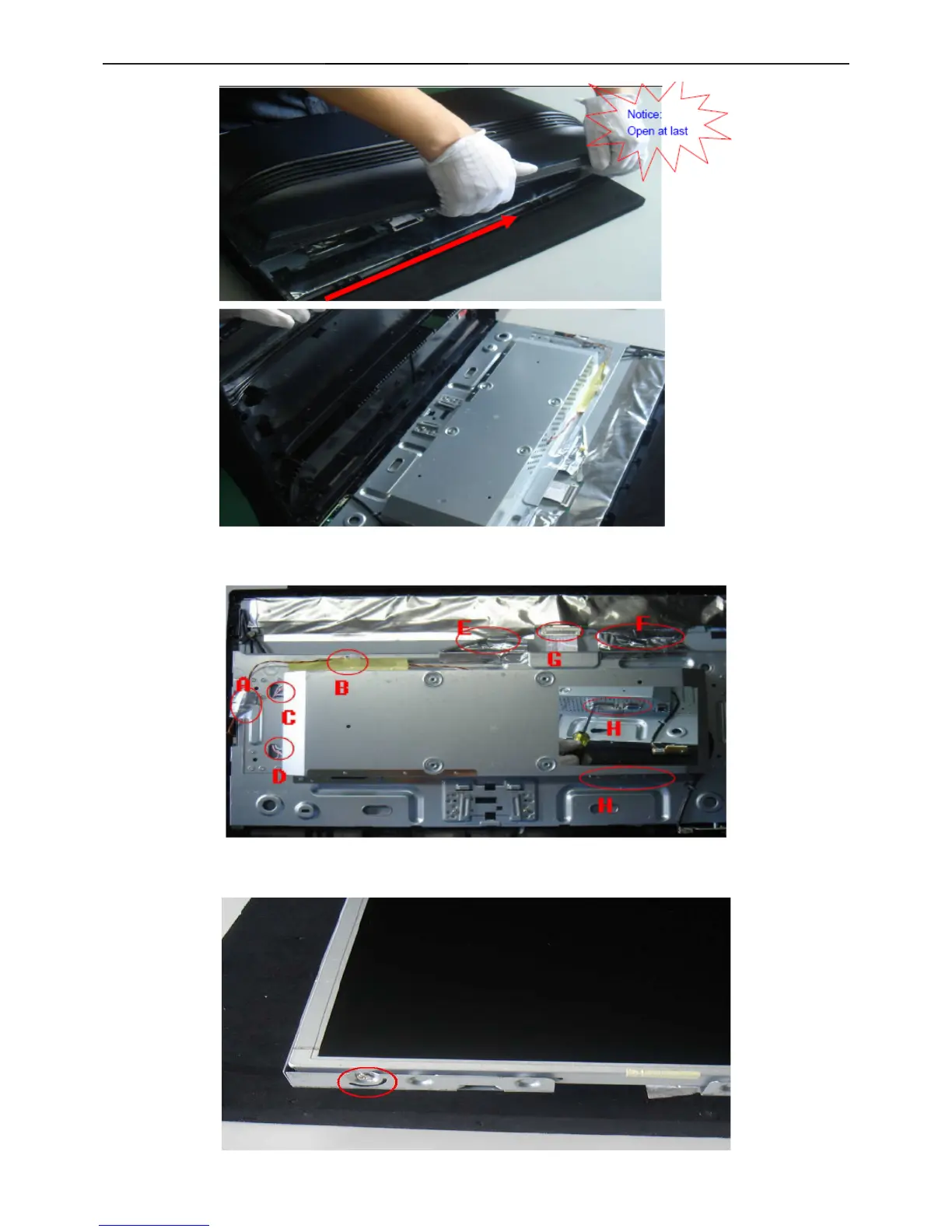
7.Make the notice that the front frame of the key pc side should be separated at last.
8. In turn to take apart the key pc connect PIN (A&B), lamp line (C&D), peel off the aluminum foil (E&F), draw off the
FFC pin (G), if there is defect with main pc, need leave of f the six-angle screw (H).
9.Withdraw the front frame from the Panel side. Use screwdriver to take off the screw which used to fix the iron
frame and Panel, and then take apart them.


 To Next Page