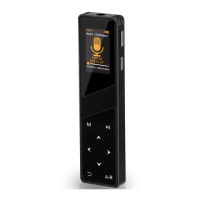
Aomago VOICE RECORDER
E: support@aomago.com W: http://aomago.com
3) After set correct hour, press button
4) After set correct minute, press button
move to next set
“
AM/PM
”
, and then press OK
button to confirm settings
Set Date:
The similar procedure like setting time
Select
“
Set date
”
, press OK enter it
It could set
“
Set date format
”
and
“
Set date
”
After Year, Month and day set, press OK confirm the settings
NOTE:
Press OK confirm your settings, or it will not save your time and date settings


 To Previous Page