Aomago VOICE RECORDER
E: support@aomago.com W: http://aomago.com
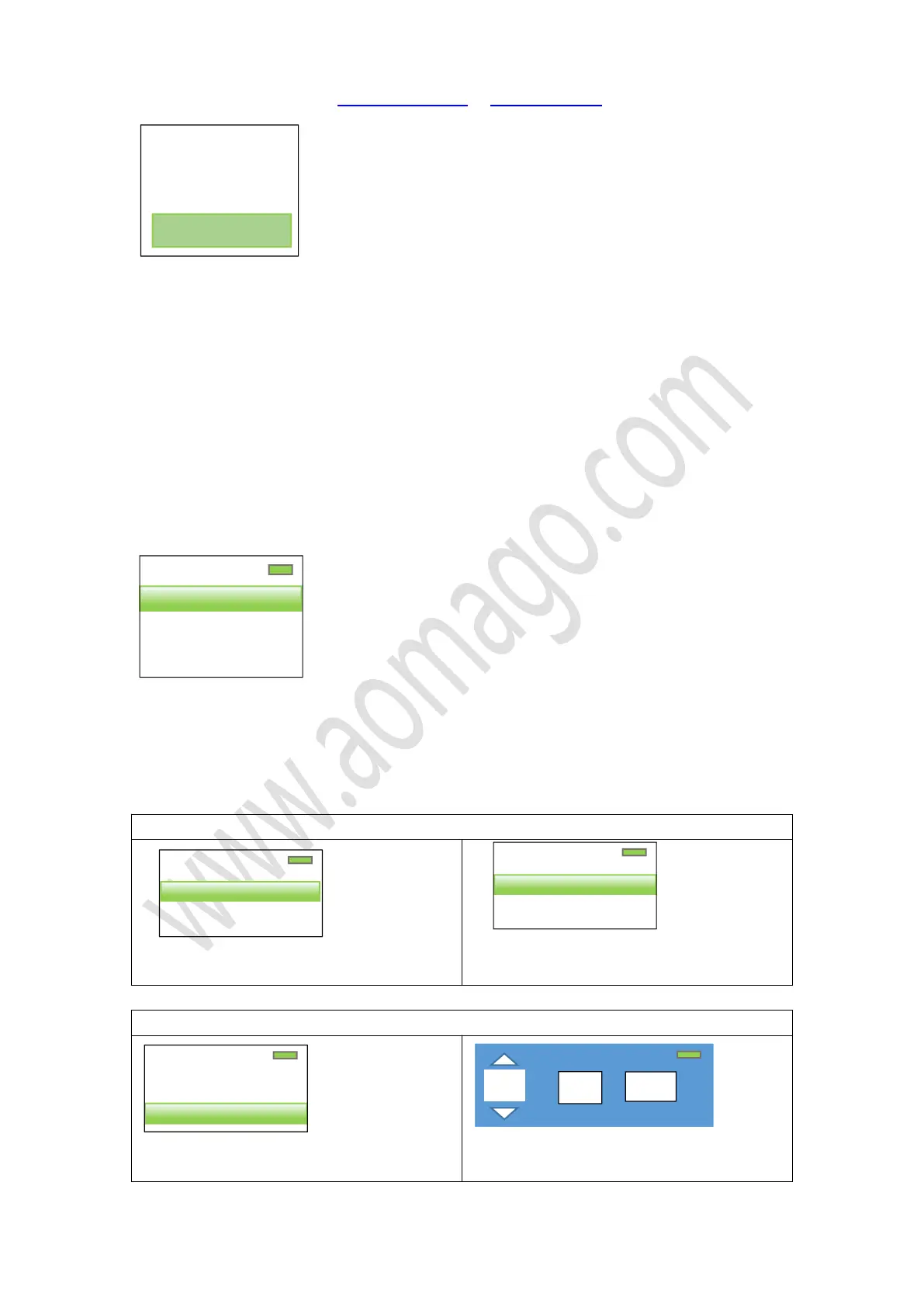
Select
“
Yes
”
, press OK button, confirm it
Screen will show
“
Restored!
”
All the settings will be restore to default
17. Set system time for the recorder
Turn on the recorder
Press SELECTIONS button to select
“
Set
”
, press OK enter setting menu
Find
“
Date and time
“
, press OK button, enter enter it
Screen will show
Set time:
Press OK enter
“
time settings
”
, so it could set
“
set time format
”
,
“
Set time
”
1) Select
“
set time format
”
, press OK enter it
2) Press SELECTION button to select time
format, and press OK button to confirm
1) Select “ set time”, press OK enter it
2) Press +/- adjust “Hour”
1/2
Set time format
Set time
Restore factory
settings?
Yes
1/2
Time settings
Date settings
2/2
Set time format
Set time


 To Next Page