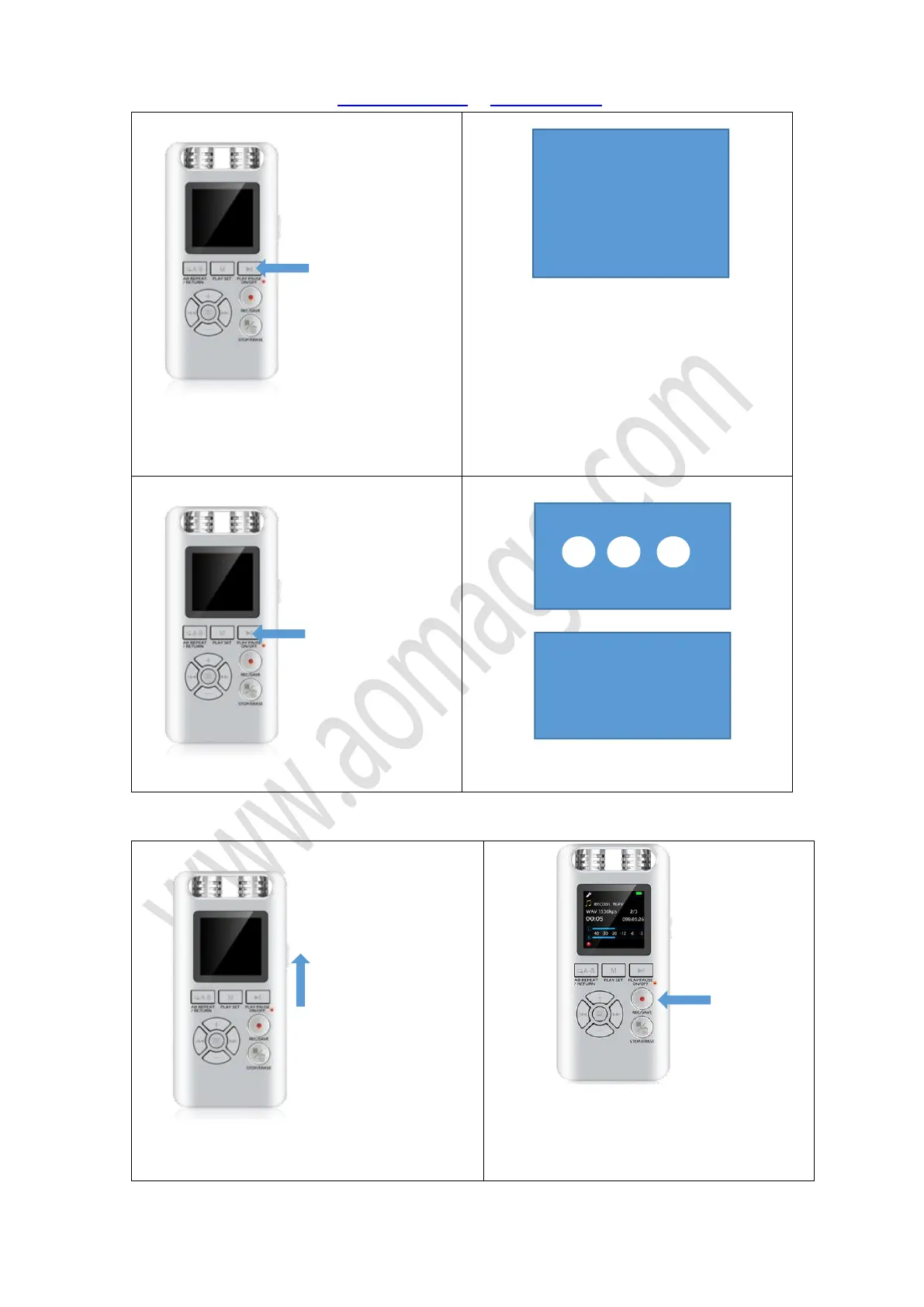
Aomago VOICE RECORDER
E: support@aomago.com W: http://aomago.com
Turn on the recorder, by press PLAY button,
when POWER button at ON position
Screen will show welcome, and then show
menus
Turn off the recorder, by press PLAY button
Screen will show 1 2 3, and then show bye bye
1) Push the ON/OFF (power button) to ON
position, switch on the recorder
2) Press the REC/SAVE button, it will start to


 To Next Page