Aomago VOICE RECORDER
E: support@aomago.com W: http://aomago.com
Once you open the box, push up the POWER ON/OFF to ON position, switch on your voice
recorder. Try to playback the test file in the music folder or press hold REC button to recording a
test file to check everything is OK
If you cannot boot up your voice recorder, it maybe the recorder was low battery, go to next step,
charging the voice recorder
2. Charging the voice recorder
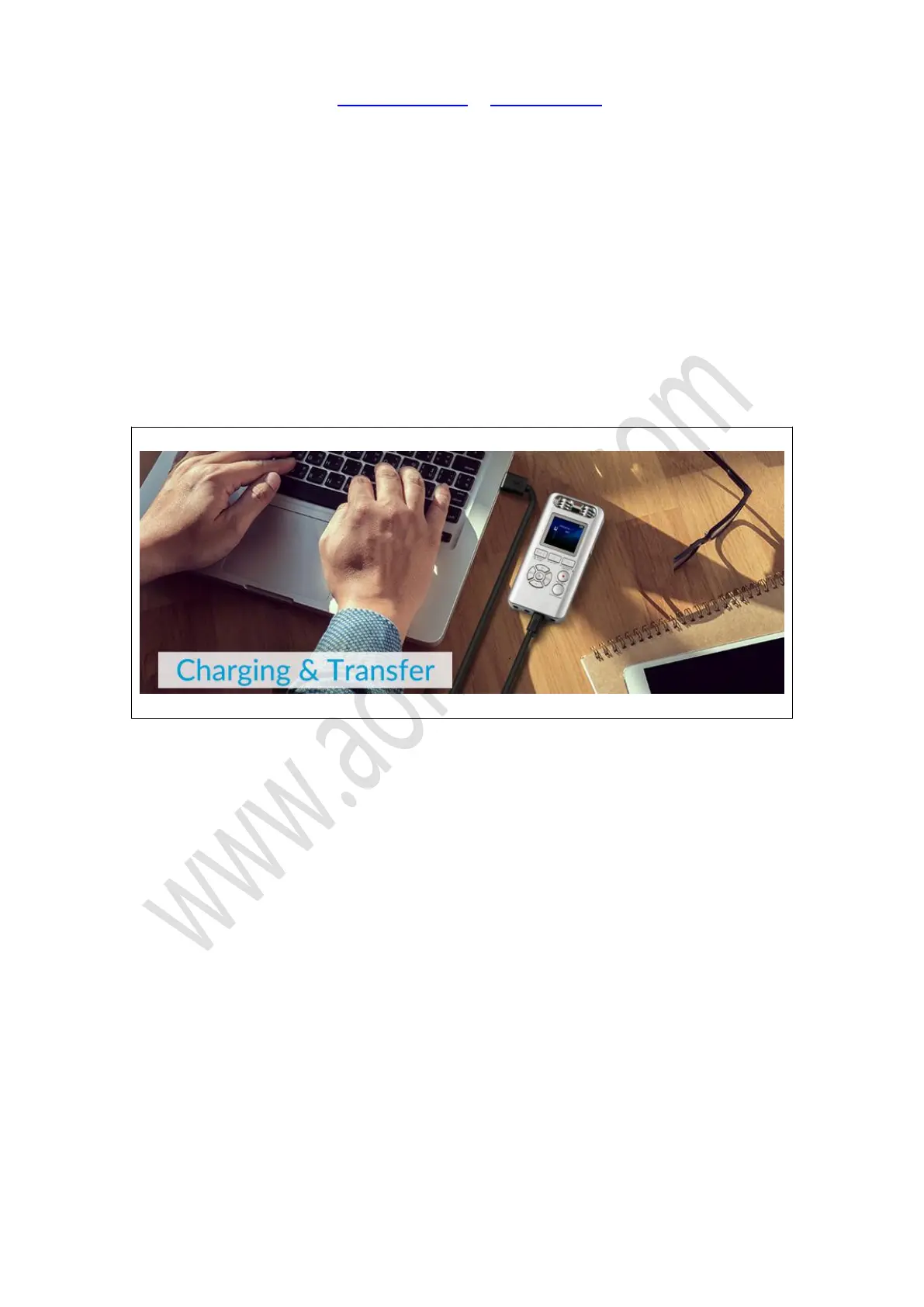
Use the Micro USB cable connect your voice recorder to Computer USB socket to charging it and
transfer data. When full charged, the battery bar will be full.
Caution:
We highly suggest you charge the recorder via USB cable, connect it to computer. The
recommend charging power current is 5V 400 ~ 600mAh, otherwise it will not charging or too big
electric current will damaged the recorder
3. How to turn ON / OFF record by press PLAY button


 To Next Page