WWW.APART-AUDIO.COM
4
2. Inputs and outputs
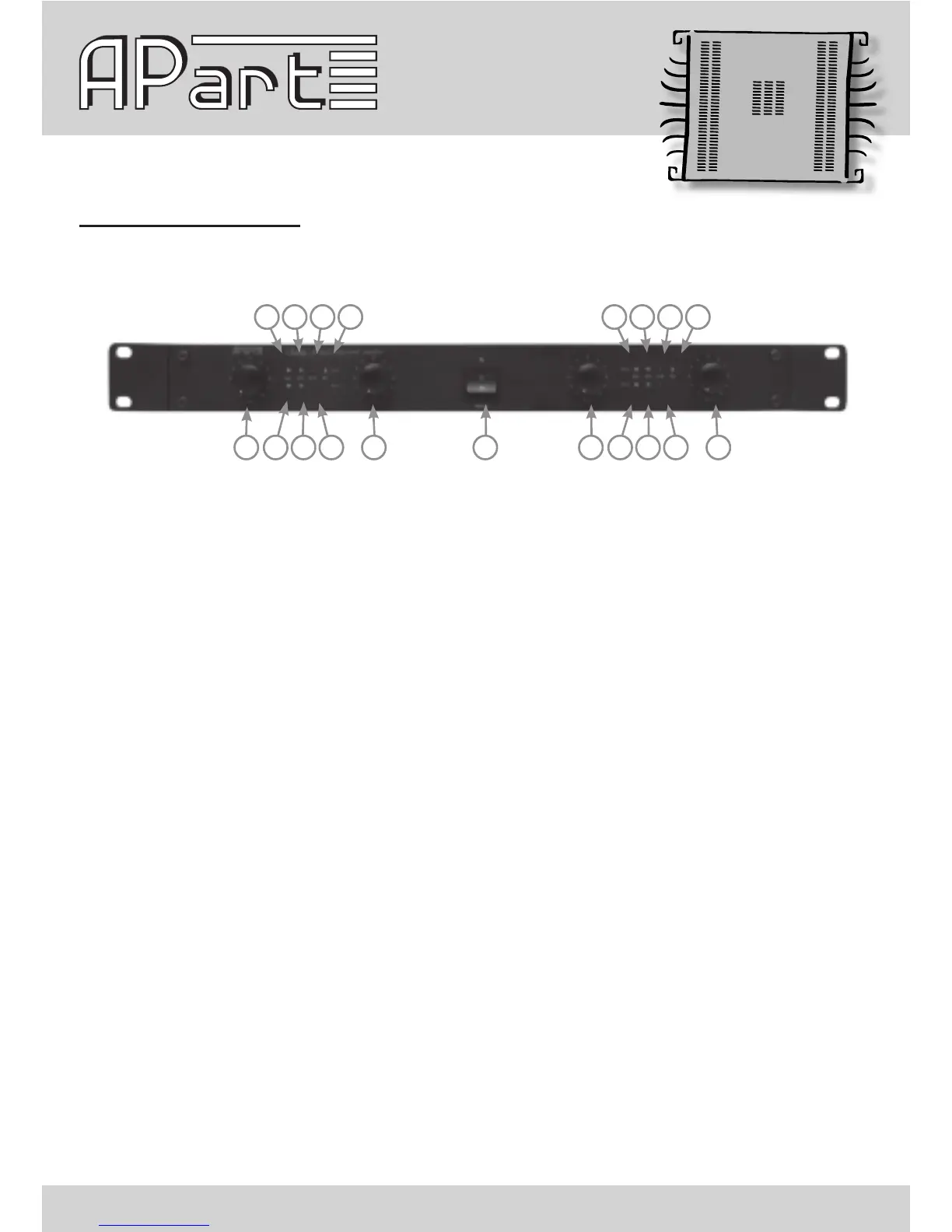
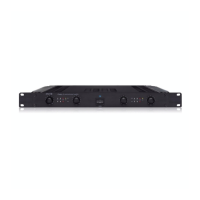
1)Volumepotmeterchannel1:usethispotmetertopresetthevolume.Incasetheamplierhasbeenswitched
to bridge mode, this potmeter sets the level for bridge operation.
2)Signalledchannel1:thisledlightsupgreenwhenasufcientlystrongsignalispresentontherstchannel,
after passing the input level control. At startup, the led will light up red during a few seconds, this is perfectly
normal.Whenitlightsupredduringuse,thepowertransformerorpoweramplierisoverheatedorinprotect
modeandisshutdown.Turnoffthepower.The amplier will not turn on automatically after most error
conditions. In some cases, the user MUST turn off power, remove the overload or let it cool down and
then power on again !
3)APCactivityledchannel1:thisledlightsupwhentheAPCcircuitryisactive.TheAPCcircuitryreducesthe
gainattheinputstoguaranteethefulldynamicrangeofthepowerampliercircuits,withoutallowingany
harsh distortion.
4)Clipledchannel1:thisledlightsupwhenevertheamplierclips.Thisisawarningsign:youarepushing
things a little too far or you are overloading the amp. Reduce the input level by a few dB so that this led never
lights up anymore !
5)Bridgeled:thisledlightsuptoindicatethattheamplierisinbridgemode.
6)Signalledchannel2:thisledlightsupgreenwhenasufcientlystrongsignalispresentontheleftchannel,
after passing the input level control. At startup, the led will light up red during a few seconds, this is perfectly
normal.Whenitlightsupredduringuse,thepowertransformerorpoweramplierisoverheatedorinprotect
modeandisshutdown.Turnoffthepower.The amplier will not turn on automatically after most error
conditions. In some cases, the user MUST turn off power, remove the overload or let it cool down and
then power on again!
7)APC
activityledchannel2:thisledlightsupwhentheAPC
circuitryisactive.TheAPCcircuitryreducesthe
gainattheinputstoguaranteethefulldynamicrangeofthepowerampliercircuits.
8)Clipledchannel2:thisledlightsupwhenevertheamplierclips.Thisisawarningsign:youarepushing
things a little too far or you are overloading the amp. Reduce the input level by a few dB so that this led never
lights up anymore ! Don’t ignore this !
9)Volumepotmeterchannel2:usethispotmetertopresetthevolume.Inbridgemode,thispotmeterhasno
function.
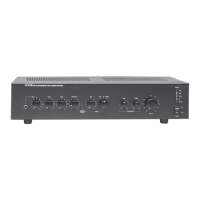
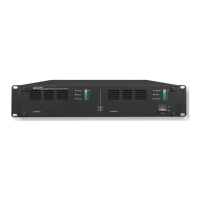
Frontpanellayout:
1 6 7 8 9 11 16 17 18 1910
2 3 4 5 12 13 14 15


 To Next Page