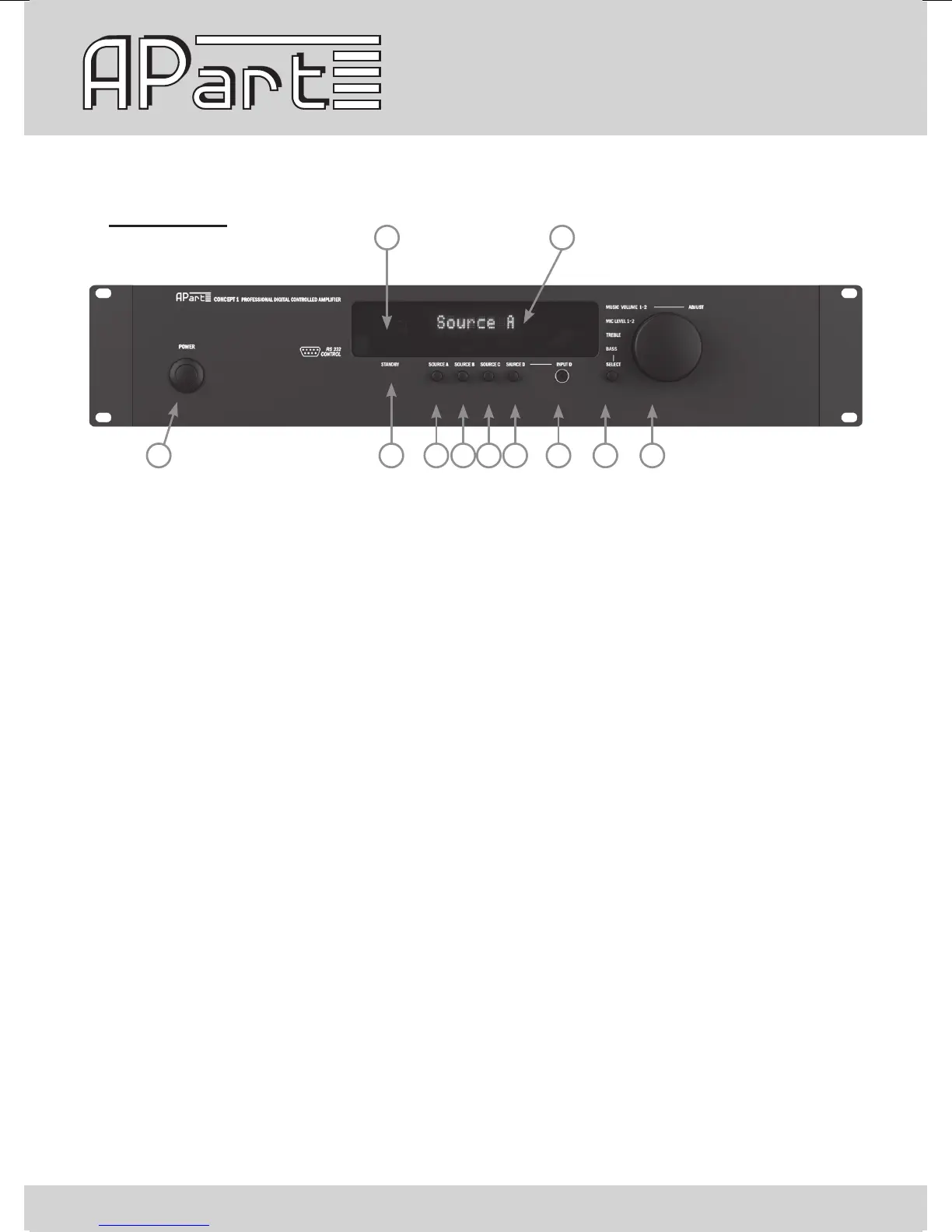
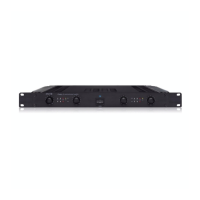
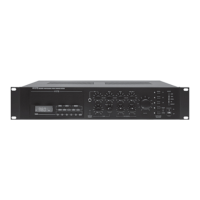
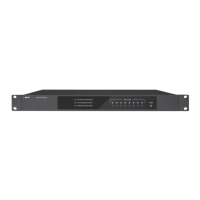
Front panel
2
10
91 3 4 5
11
6 7 8
1) Power on/off button: push this button to turn the power on and off
2, 3, 4, 5) Source A-D selector: push this button to select line source A-D. A led above the knobs is
lit when source A-D is selected.
6) Source D mini jack input: this line input is shared with the source D connector at the rear
Only use one of the two at the same time.
7) Select button: push this button to select basic submenus
8) Multifunctional encoder knob: turn this knob to adjust the main volume and other menu parameters
9) Stand-by led: this led is lit when the unit is powered off by RS232 control or infrared remote.
The led will ash when data is transmitted or received from any remote control.
10) Infrared receiver
11) Multi functional dot matrix gas display


 To Next Page