Official Support: kt.support@apemans.com
1. How to Install the Dash Cam C370
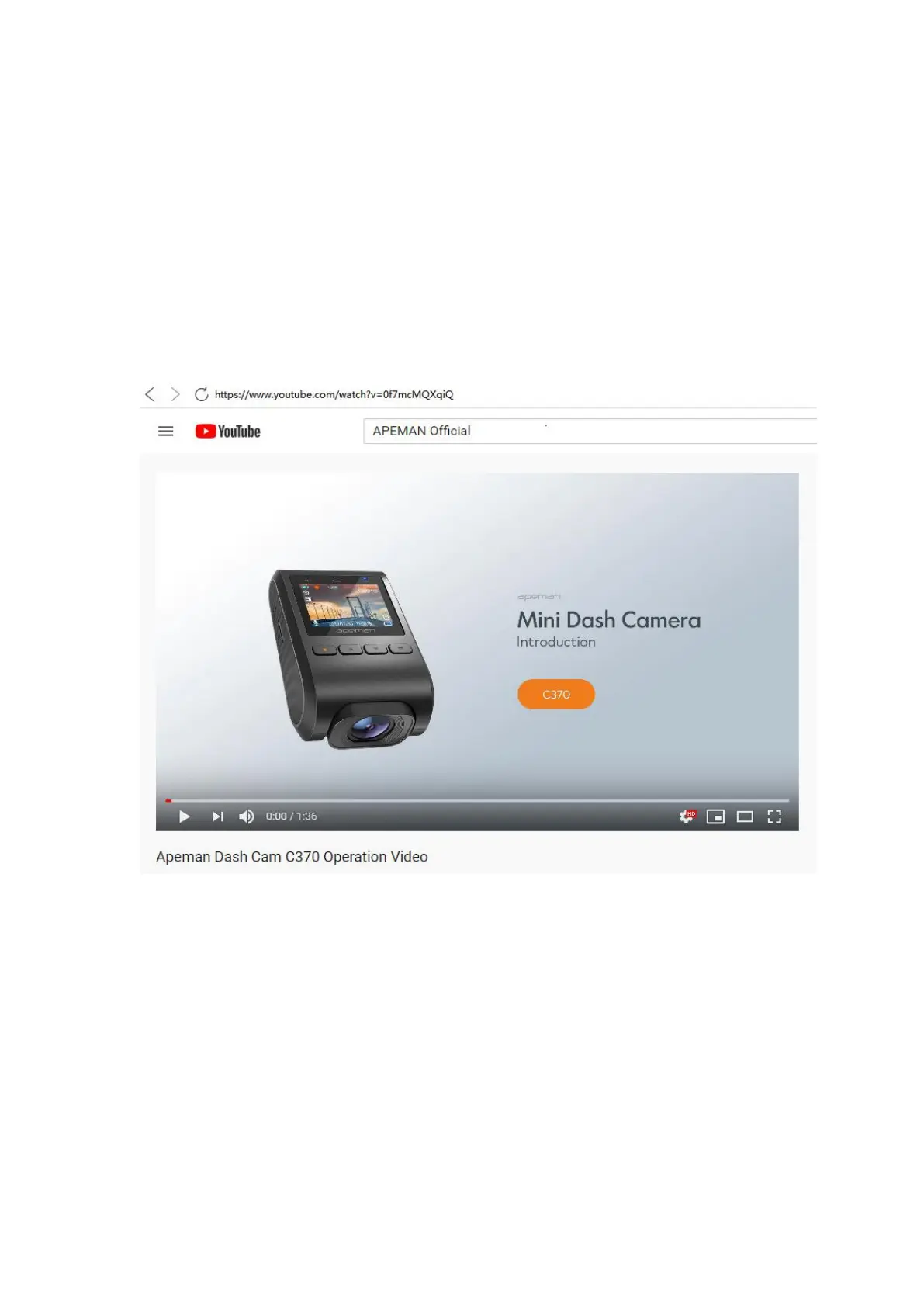
Please visit the APEMAN Official YouTube Channel and watch this video
on how to install the Dash Cam. It will get you through setting up the
C370 and will cover the basics.
Channel: APEMAN Official
Section: Dash Cam Tutorial
Video Title: Apeman Dash Cam C370 Operation Video
1.
Prepare a Compatible Memory Card
A. Get a Right SD Card
For best results, we recommend purchasing microSD cards from
well-known memory cards brands (such as Samsung, Kingston, etc)
for your Dash Cam. There are many memory cards manufacturers on



 To Next Page