Official Support: kt.support@apemans.com
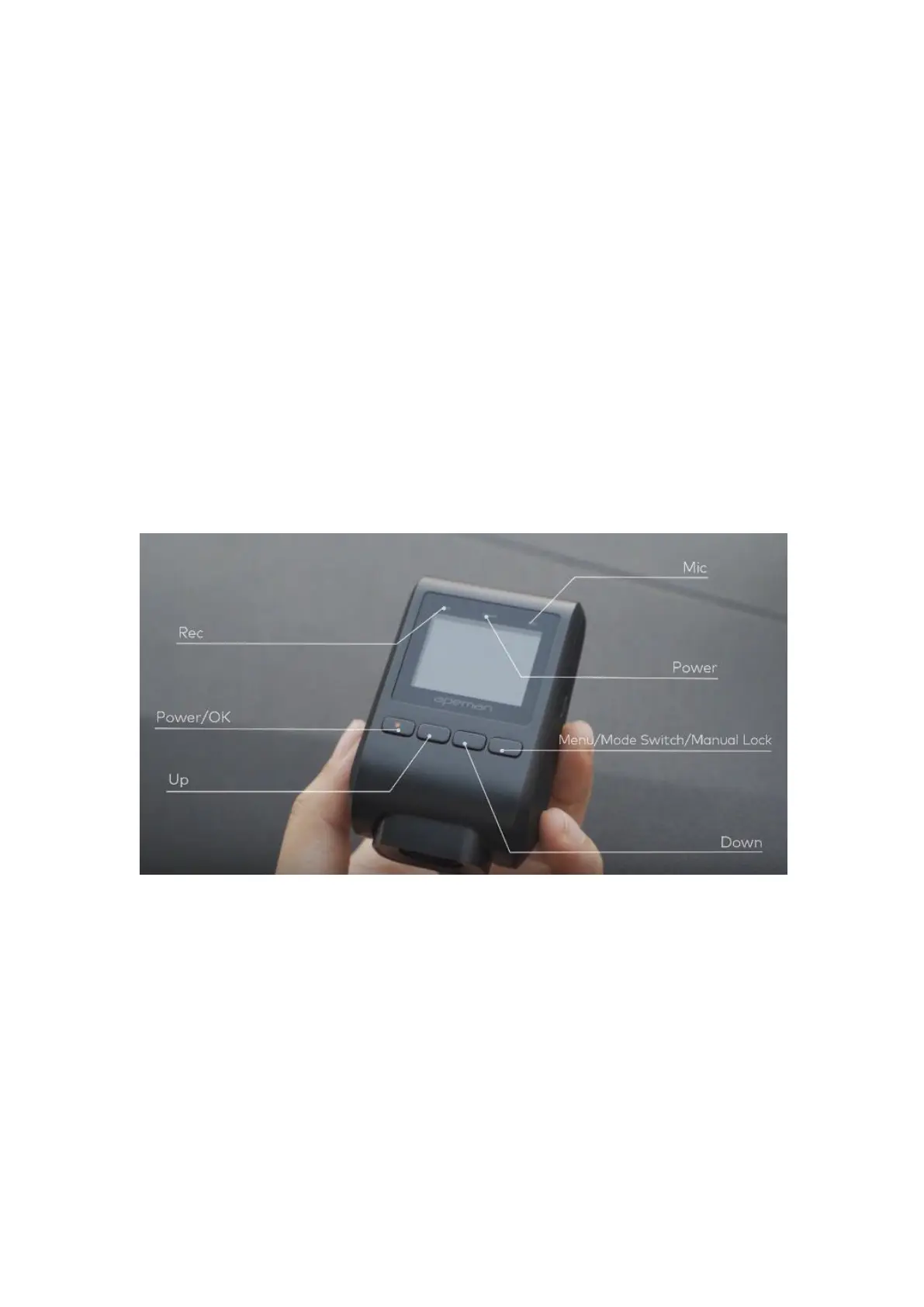
POWER: The Power light (red light) is on when the camera is
connected to a power source.
MIC: The Mic light (blue light) is on when the Audio is turned on.
There are 4 buttons, from left to right:
POWER: also the OK button
UP
DOWN
MENU: also for Mode Switch or Manual Lock
C. Icons on the Screen
Please note that the enabled functions shown on the screen
below are just to show you the icon of each function. The
settings of the dash cam below are not our recommended
settings. We have set the recommended settings for this
product as default.



 To Next Page