Official Support: kt.support@apemans.com
Windows:
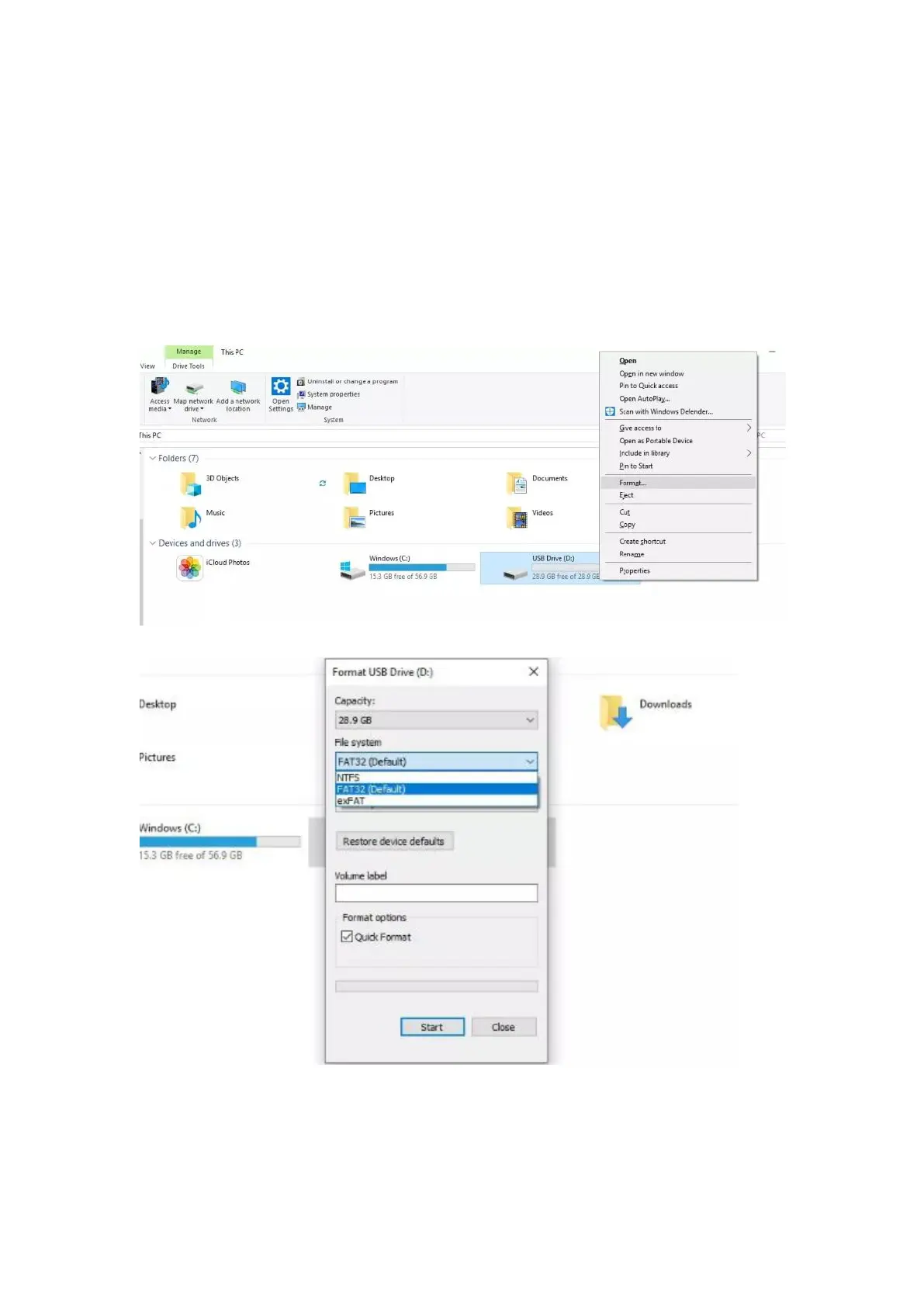
1. Insert the SD card into your computer. You may need a card reader
for this.
2. Open File Explorer and locate the drive letter for your SD card.
Right-click the drive and select Format.
3. Set the File System to FAT32. Select Start to begin.
4. Select OK to begin formatting the card.



 To Next Page