Thank you for purchasing Apera Instruments 60 Series Premium Line pH Tester Kit. Please read this
manual carefully before use in order to properly use and maintain the product.
For video tutorials, please go to support.aperainst.com
Table of Contents
1 Battery Installation ........................................................................................................ 3
2 Keypad Functions ......................................................................................................... 3
3 Complete Kit ................................................................................................................. 4
4 Preparation Before Use ................................................................................................ 4
5 pH Calibration ............................................................................................................... 4
6 pH Measurement .......................................................................................................... 6
7 Parameter Setting ......................................................................................................... 8
8 ORP Measurement ..................................................................................................... 10
9 Technical Specifications .............................................................................................. 10
10 Other Specifications .................................................................................................. 10
11 Probe Replacement .................................................................................................. 11
12
Warranty .................................................................................................................... 12
SPECIAL NOTES
• For PH60 and PH60F models, we added a few drops of water in the probe cap before the
product left factory in order to keep the sensitivity of the pH electrode. So it’s normal if you
find some water droplets in the probe cap for the first time use.
• When storing the tester, you can also add a few drops of water or pH 4.00 buffer in the
probe cap to keep the electrode in an active state.
• The AAA alkaline batteries are pre-installed. Please pull off the insulation paper before
powering on the tester.
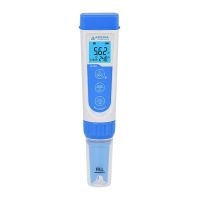
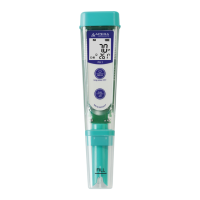
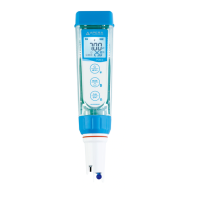
• For PH60, there is a sensor shield on top of the pH electrode, protecting the glass bulb
sensor from accidental damage. You can also detach the sensor shield when rinsing and
cleaning the electrode as shown in the graph below. After cleaning, you can put the sensor
shield back.






 To Next Page