POS MV V5 Installation and Operation Guide
Patch Test
Copyright © Applanix Corporation, 2017
4. Repeat the above survey tests to confirm that any adjustments you make to the multibeam
software have removed the roll offset.
5. As a final check, perform a similar survey following the line D–E in Figure 119 on page F-2. At the
end of the survey line, turn through 180° and repeat the survey line E–D, logging both lines
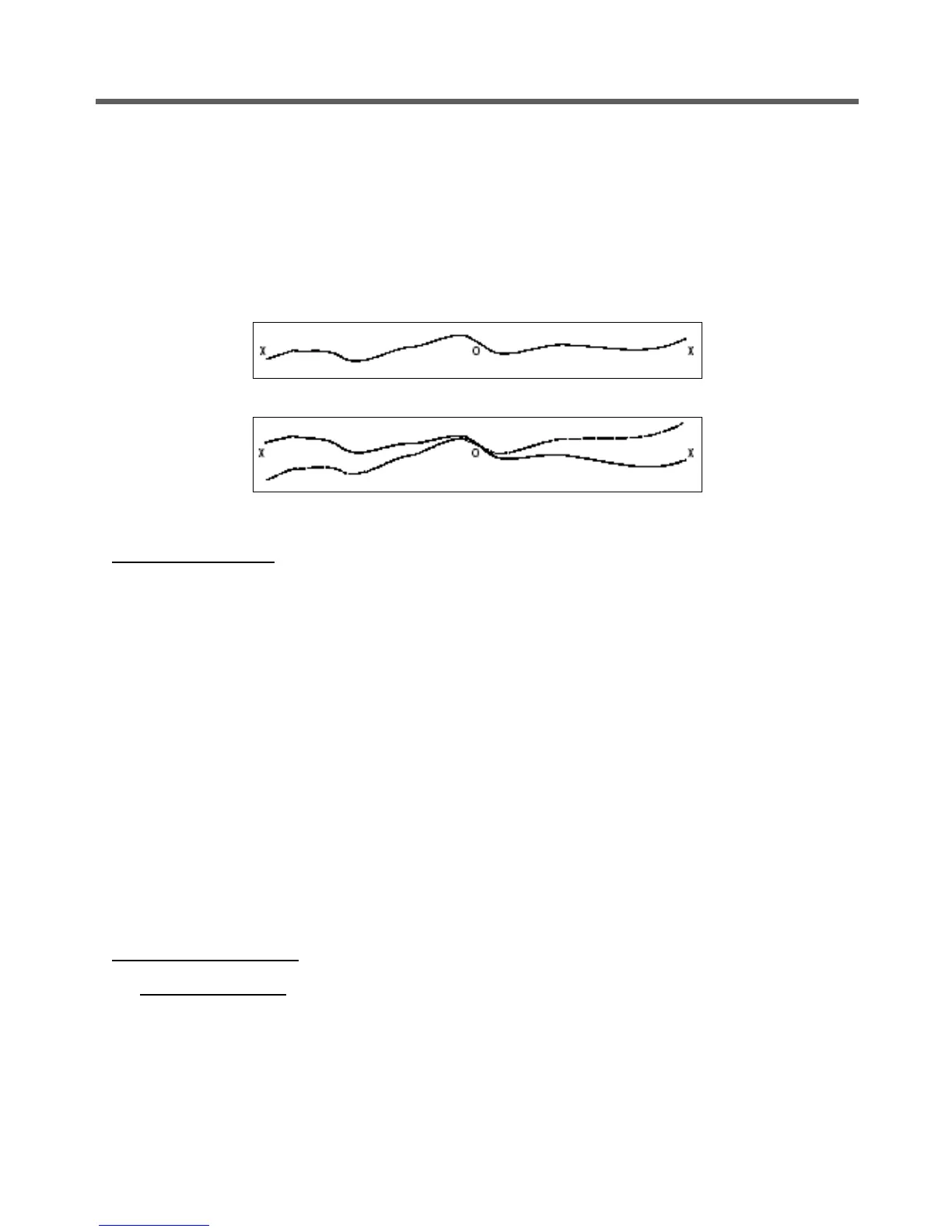
separately. Check that the profiles from both survey lines coincide where they cross the line B–C.
Figure 120: Correct Roll Calibration
Figure 121: Incorrect Roll Calibration
Position Time Delay
1. Complete a sound velocity profile for the multibeam sonar and correct any errors that may exist.
2. Set a vessel speed of 4 knots and sail a straight line that crosses the flat and the sloping regions
of the test area (line A-C in Figure 119 on page F-2). Repeat the line on a reciprocal heading and
at the same speed. Log both lines separately.
3. Increase the vessel speed to 8 knots and repeat both lines. Log both lines separately.
4. Compare the two lines surveyed in the same direction but at different speeds. Any offset that
appears on the seabed chart between the two runs arises from a position time delay. Use the
multibeam software to correct any such error.
5. Now compare the two lines that run in opposite directions but at the same speed. Any offset that
appears on the seabed chart between these two runs arises from a pitch offset in the mounting
angles. Use the multibeam software to correct any such error.
6. Finally, repeat the survey lines to verify that you have removed all offsets successfully.
Gyrocompass Heading
Harbour Calibration
Ideally, you should perform the gyrocompass calibration while the vessel is in a harbour:
1. Power-on the POS MV and allow it to settle in accordance with instructions supplied by the
manufacturer.



 To Next Page